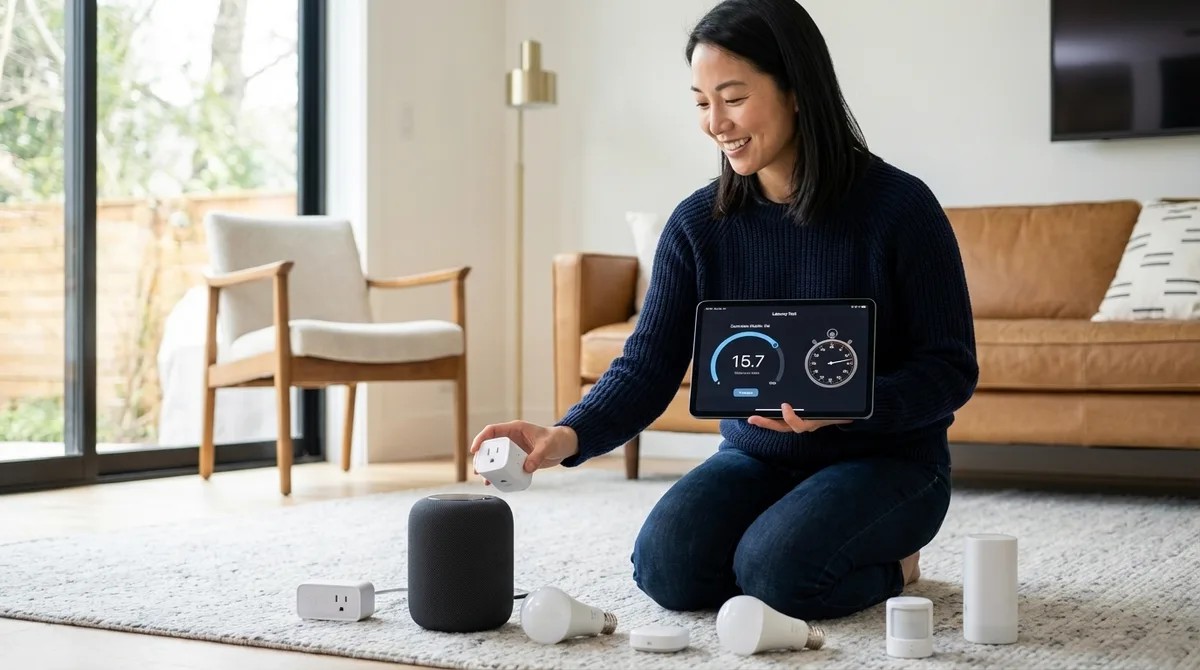
How to Test Smart Device Response Times and Latency Across Protocols
The Smart Home Setup Podcast · My Smart Home Setup
Audio is streamed directly from the publisher (content.rss.com) as published in their RSS feed. Play Podcasts does not host this file. Rights-holders can request removal through the copyright & takedown page.
Show Notes
That split-second delay between triggering a motion sensor and watching your lights respond can mean the difference between automation that feels like magic and technology that feels clunky. In this episode, Keiko Tanaka breaks down exactly how to measure smart device latency across every major protocol—Zigbee, Z-Wave, Thread, Matter, and Wi-Fi—using tools you probably already own. Whether you're troubleshooting sluggish automations or optimizing an already-functional system, you'll learn the precise methodology for identifying where milliseconds are being lost. This one's for anyone who suspects their smart home could feel faster but doesn't know how to prove it or fix it.
- Latency compounds across your automation chain—a 200ms sensor wake time plus 150ms hub processing plus 100ms switch execution adds up to over half a second of noticeable lag that makes smart homes feel mechanical rather than seamless.
- Wi-Fi devices can add 300-500ms of extra latency during peak network usage compared to off-hours, while Zigbee and Thread mesh networks can actually reduce latency by providing shorter communication hops through additional nodes.
- Your Zigbee hub channel matters more than you think—if it's set to channel 20 while your Wi-Fi broadcasts on channel 11, the overlap degrades performance on both networks.
- Recording video at 60fps and counting frames gives you 16.7ms precision when measuring response times, far more accurate than stopwatch testing which introduces roughly 200ms of human reaction time variability.
- Hub CPU load above 70% introduces unpredictable delays, especially when the system is simultaneously processing energy monitoring data and running presence detection routines alongside motion sensor triggers.
- Testing during controlled time windows—late evening when network traffic drops but before devices enter sleep modes—creates reproducible conditions that make your measurements actually comparable across sessions.
Read the full article: https://mysmarthomesetup.com/how-to-test-smart-device-response-times-and-latency-across-protocols