The Smart Home Setup Podcast
134 episodes — Page 3 of 3
What Is Real-Time Energy Monitoring in Smart Homes: Protocols and Accuracy Explained
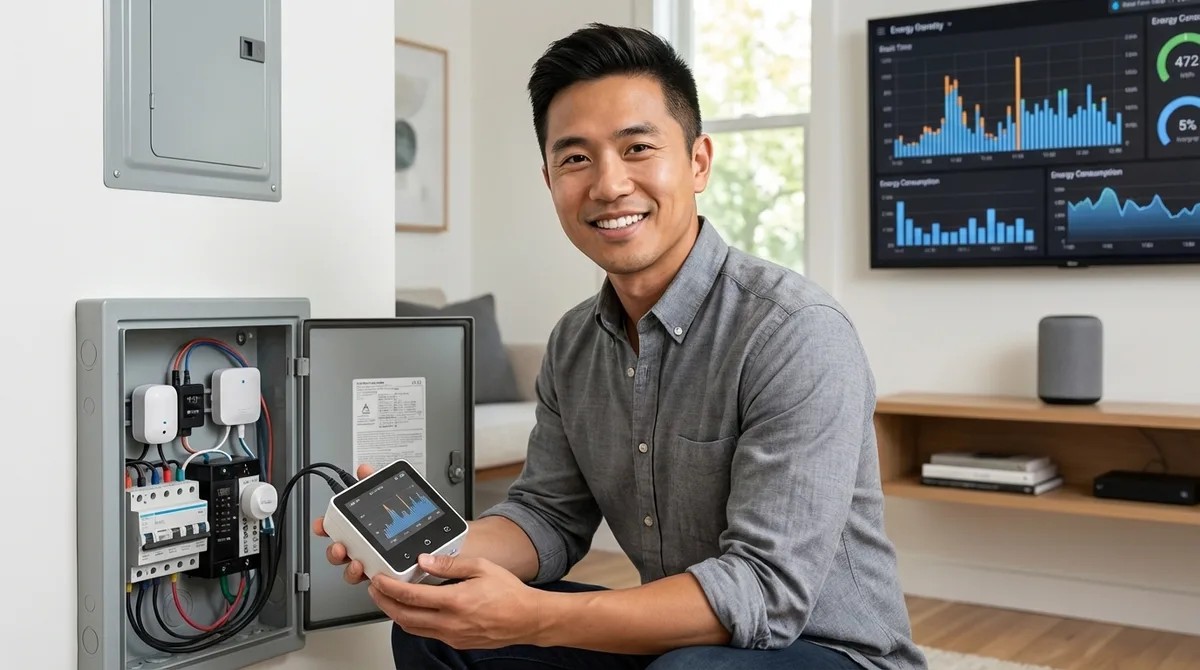
Ever wonder why your electricity bill keeps climbing but you can't pinpoint the culprit? This episode breaks down real-time energy monitoring systems that show you exactly which devices are draining power second by second—and how homeowners typically cut their bills by ten to fifteen percent within six months of installation. Marcus Chen explains the technical differences between whole-home panel monitors and plug-level trackers, walks through the protocols that matter (Wi-Fi, Zigbee, and Matter), and reveals accuracy limitations manufacturers don't advertise. Whole-home monitors use current transformer (CT) clamps that sample four thousand to eight thousand times per second, achieving 95–98% accuracy for simple resistive loads but dropping to 85–90% accuracy for motors and compressors due to phase shift between current and voltage. Wi-Fi energy monitors connect directly without a hub but push data through the cloud, introducing two to five second delays—acceptable for tracking but too slow for real-time automations like load balancing. Zigbee smart plugs with energy monitoring only expose consumption data if your hub's API supports it; otherwise, readings stay locked in a proprietary app where you can't build useful automations. Matter-enabled energy monitors are emerging in 2026 with promises of cross-platform compatibility and local two to three second updates via Thread, while Z-Wave options have largely disappeared from this category. Smart plug monitors use either shunt resistors or Hall effect sensors to measure current, and protocol choice directly affects update frequency—Wi-Fi plugs refresh every one to two seconds while Zigbee plugs typically update every five to ten seconds through your hub. Practical automations like "notify me when laundry is done" depend on consistent power reporting; Wi-Fi plugs that lose connection can silently fail, leaving your automation broken without obvious errors. Read the full article: https://mysmarthomesetup.com/what-is-real-time-energy-monitoring-in-smart-homes
Sense vs Emporia Vue Energy Monitor: Which Is Better for Smart Homes?
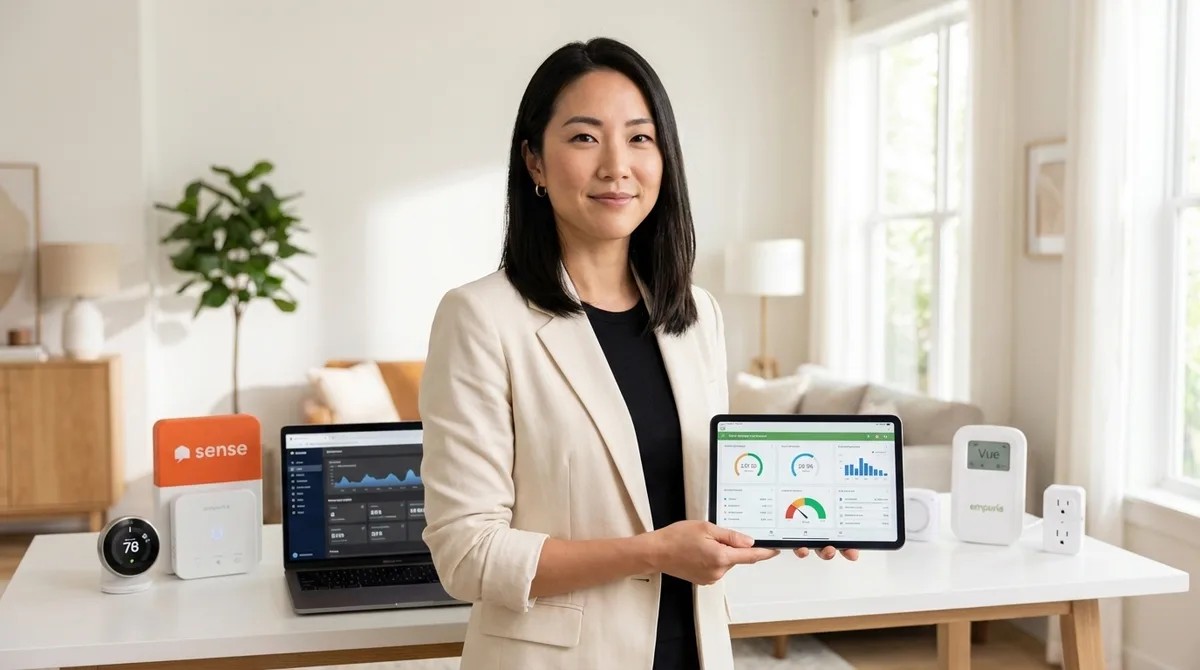
When you're trying to build a smart home that feels invisible, the last thing you want is bulky tech cluttering your utility spaces. This episode dives into two leading whole-home energy monitors—Sense and Emporia Vue—to determine which one delivers meaningful data while disrupting your home's aesthetics the least. Host Keiko Tanaka breaks down protocol compatibility, installation footprints, device detection approaches, and the often-overlooked issue of cloud dependency that could turn your investment into expensive wall art if a company shuts down. Emporia Vue has a smaller physical footprint (3.5" x 5" hub) and disappears more easily behind panels, while Sense's larger 5" x 7" enclosure is harder to conceal in homes where electrical panels are visible in hallways or mudrooms. Sense offers native HomeKit integration and AI-powered automatic device detection that identifies 20+ appliances over time, whereas Emporia Vue skips HomeKit entirely and requires manual circuit mapping—but allows unlimited individual circuit tracking. Neither monitor supports Zigbee, Z-Wave, Thread, or Matter, meaning they can't directly trigger mesh-network devices and remain locked into Wi-Fi-only communication with full cloud dependency. Both systems stop working if your internet goes down, and if either manufacturer discontinues cloud support, the hardware becomes non-functional—a real concern for long-term smart home investments. For spaces where no visible panel modification is acceptable, smart plugs with built-in energy metering (like Aqara Smart Plug T2 or Zooz ZEN15) offer an invisible alternative that feeds data to a concealed hub without touching your electrical panel. Complex automations on Emporia Vue require external platforms like Home Assistant, while Sense provides native IFTTT and webhook support with limited conditional triggers out of the box. Read the full article: https://mysmarthomesetup.com/sense-vs-emporia-vue-energy-monitor
Best Smart Plugs for Energy Monitoring Under $50
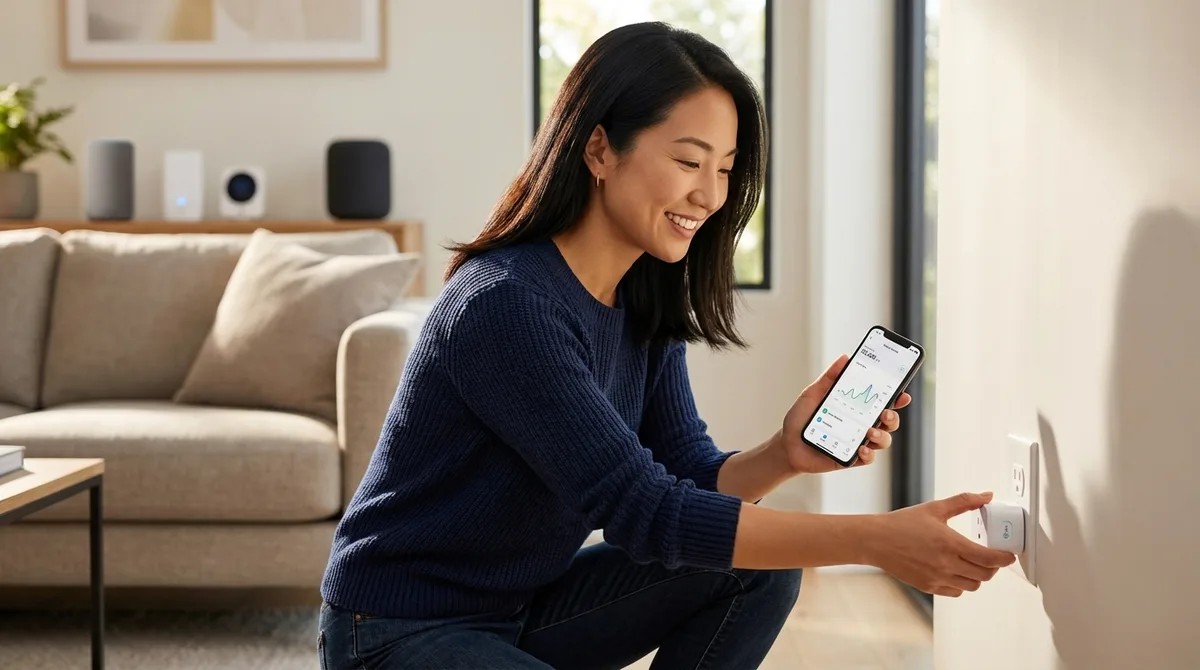
That desk lamp you leave plugged in might be costing you more while it's off than when it's actually on. In this episode, Keiko Tanaka breaks down how smart plugs with energy monitoring can expose the hidden phantom loads silently inflating your electricity bill—and which models under $50 actually deliver useful data versus vague estimates. Whether you're troubleshooting a mysteriously high utility bill, building out a home automation system, or just curious why your guest room seems to drain power, this guide walks you through protocols, form factors, and the automation features that separate genuinely helpful plugs from glorified on/off switches. Wi-Fi plugs offer hub-free convenience but add router congestion and slower response times (200–800ms latency), while Zigbee plugs form self-healing mesh networks with 50–150ms response times—though they require a compatible hub and lock you into that ecosystem. Matter 1.4 promises cross-platform control across Apple Home, Google Home, and Alexa simultaneously, but as of early 2026, energy monitoring support remains inconsistent—verify your specific controller actually exposes power consumption data before buying. Real-time wattage updates every 1–5 seconds are essential for identifying phantom loads and testing whether devices truly power down; budget plugs that update only every 10–30 minutes are nearly useless for troubleshooting. Physical bulk matters more than specs suggest—energy monitoring plugs often extend 4+ inches from the wall, which can prevent furniture from sitting flush or block adjacent outlets entirely in older homes with tight spacing. The most powerful automation triggers on consumption thresholds rather than simple schedules: notifications when your washer cycle completes (wattage drops below 10W), automatic shutoffs when phantom draw exceeds limits for consecutive nights, or dimming non-essential lights when total consumption spikes. Top picks include TP-Link Kasa EP25 with Matter for future-proof cross-platform homes, Emporia Smart Plug for granular per-outlet tracking, Sonoff S31 Zigbee for mesh reliability in hidden installations, and Meross MSS315 for budget-friendly real-time monitoring. Read the full article: https://mysmarthomesetup.com/best-smart-plugs-for-energy-monitoring-under-50
Smart Thermostats vs Smart AC Controllers: Which Saves More Energy?
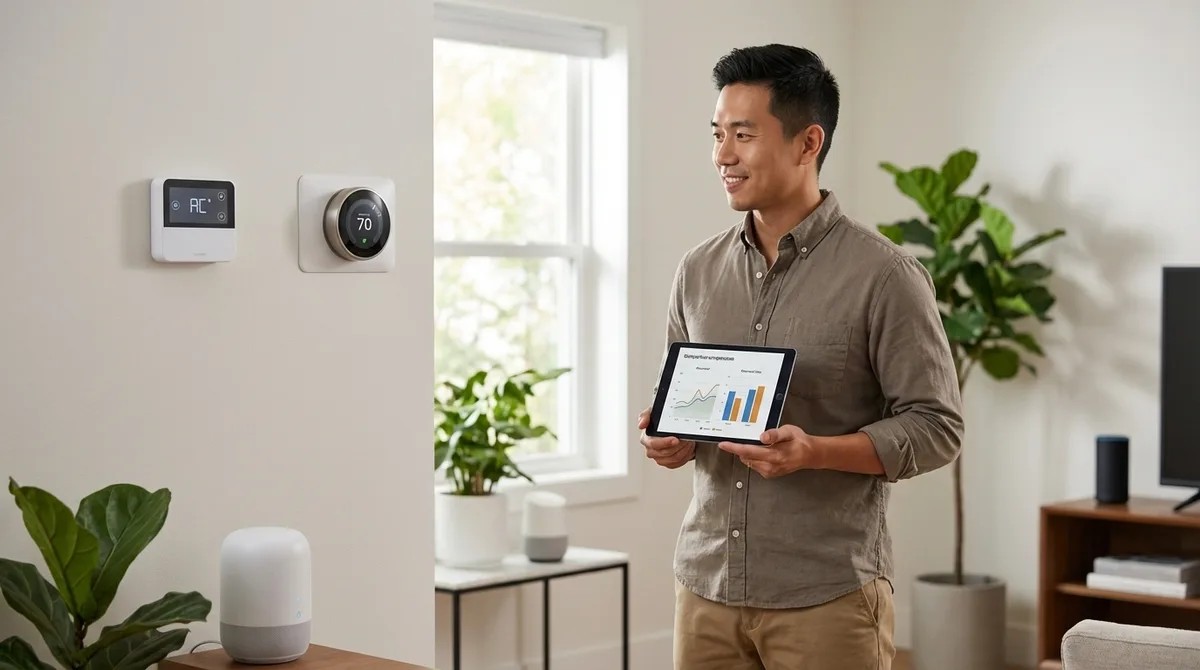
Thinking you need the priciest smart device to cut your energy bill? That assumption could actually cost you more. This episode breaks down the real-world differences between smart thermostats and smart AC controllers—two solutions that seem interchangeable but work with completely different HVAC systems. Whether you're running central air, window units, or mini-splits, Marcus Chen draws on dozens of installations to explain which technology delivers genuine savings for your specific setup. Smart AC controllers can save 10–15% more energy than smart thermostats when retrofitting window or mini-split units, but that higher percentage often applies to a smaller portion of your total cooling load. Smart thermostats deliver 15–23% savings on heating and cooling by managing multi-zone temperature control, adaptive learning based on your home's thermal mass, and humidity-aware cooling cycles. The 25–35% savings advertised for smart AC controllers sounds impressive, but if you're only controlling a bedroom window unit, that might translate to less than 4% of your actual monthly bill. Occupancy detection makes a major difference: smart thermostats with Zigbee or Thread sensors track multiple rooms with 200–500ms latency, while Wi-Fi AC controllers rely on slower geofencing with 1–3 second response times. Installation complexity varies dramatically—smart thermostats require C-wire connections or adapters and replace existing equipment, while smart AC controllers use IR blasters with no wiring changes needed. If your home uses multiple mini-splits throughout, combining several smart AC controllers can actually outperform a single central smart thermostat for whole-home efficiency. Read the full article: https://mysmarthomesetup.com/smart-thermostats-vs-smart-ac-controllers
Local Storage vs Cloud Storage for No-Subscription Security: Complete Breakdown
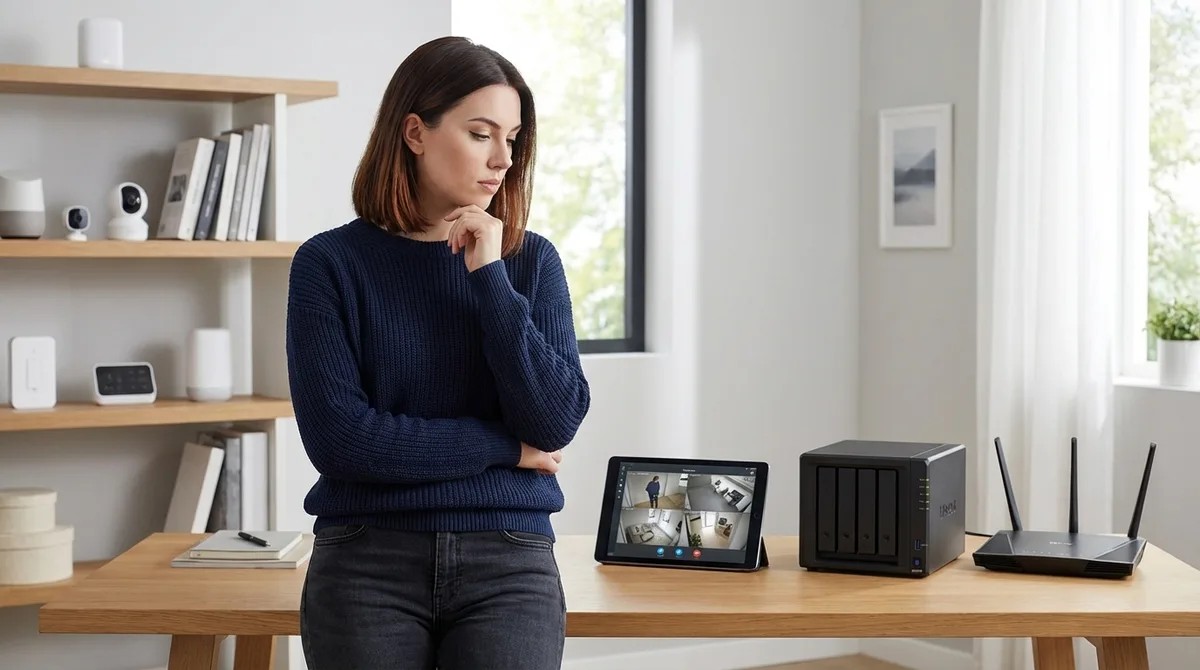
Your security camera captures a critical moment—but where does that footage actually go, and will it still be there when you need it most? This episode dives deep into the fundamental choice facing anyone building a subscription-free home security system: keeping your video on local storage you control versus trusting it to cloud servers that charge monthly fees. Chelsea Miller breaks down the real-world costs, technical requirements, and failure points of each approach, helping you understand exactly what happens to your footage during internet outages, power failures, and even when companies decide to shut down their services. Cloud storage costs add up dramatically over time—a single camera can cost between $180 and $1,800 over five years just for the privilege of accessing your own footage, while local storage eliminates these recurring fees entirely. SD card reliability matters more than most people realize; consumer-grade cards fail after 10,000 to 100,000 write cycles, while high-endurance surveillance cards can handle two to five years of continuous recording before giving out. Network bandwidth becomes a critical bottleneck with NAS setups—1080p streams require 2-4 Mbps per camera while 4K demands 8-15 Mbps, so multiply by your camera count to check if your network can actually handle the load. Not all "local storage capable" cameras support RTSP streaming, which is essential for NAS compatibility, so checking specs before purchasing prevents expensive compatibility headaches. Power-over-Ethernet NVR systems eliminate Wi-Fi reliability issues by running a single cable that both powers the camera and carries the video stream, creating a more robust setup than wireless alternatives. Local storage latency is remarkably fast at 0-200 milliseconds from motion detection to recording start, with no internet dependency, meaning your system keeps working even when your ISP goes down. Read the full article: https://mysmarthomesetup.com/local-storage-vs-cloud-storage-for-no-subscription-security
How to Choose Security Systems With No Monthly Fee: Protocol and Hub Guide
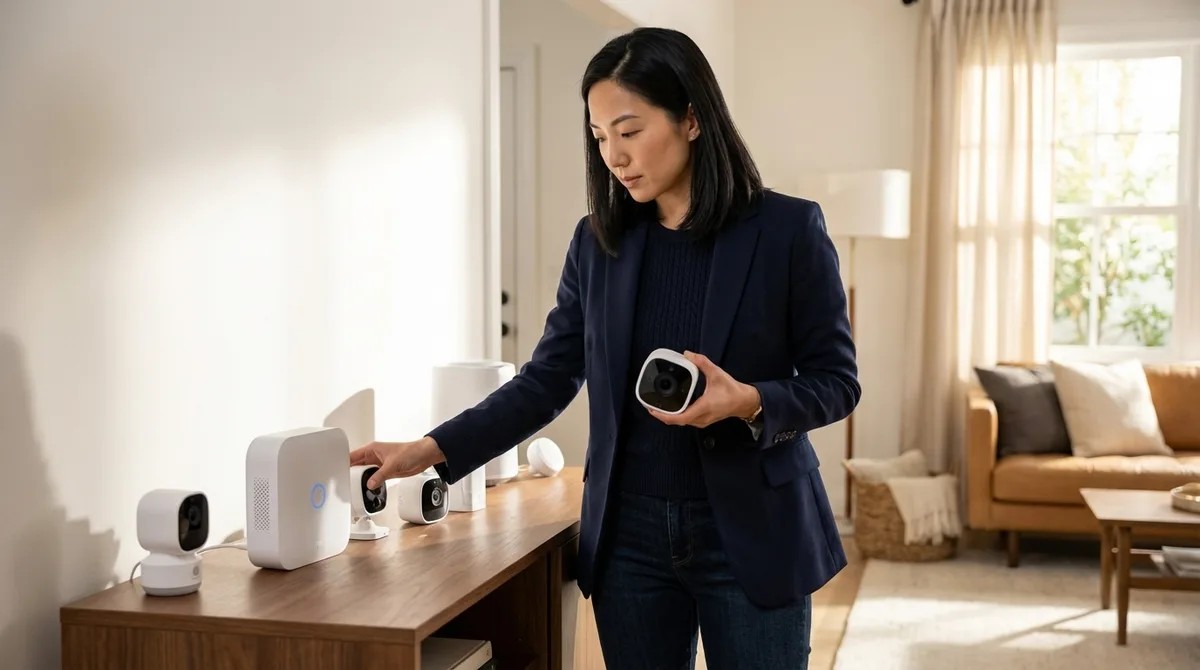
You've invested in cameras and sensors, but are you still trapped behind a monthly paywall just to access your own footage? This episode breaks down the architecture behind truly subscription-free security systems—the protocols, hubs, and local storage solutions that let you build a setup that records locally, responds instantly, and integrates seamlessly into your home. Whether you're weighing Wi-Fi cameras against Zigbee sensors or trying to understand where Matter 1.4 fits into the picture, Keiko Tanaka walks you through the decision framework that separates effortless security from laggy, alert-spamming frustration. Wi-Fi cameras offer simple setup but introduce latency (800ms to 2 seconds for live feeds), saturate bandwidth, and leave your entire security layer vulnerable if your router fails—Zigbee and Z-Wave sensors respond in 100 to 300 milliseconds locally. Z-Wave operates on sub-1 gigahertz frequencies, meaning less interference and better wall penetration than Zigbee's crowded 2.4 gigahertz spectrum—a crucial consideration for multi-floor homes with sensors scattered throughout. Hub investment of $100 to $200 for platforms like Hubitat Elevation or Home Assistant consolidates automation logic across devices and eliminates the app fragmentation that comes with Wi-Fi-only systems. Matter 1.4 now includes camera support, but as of 2026, most compatible models from Arlo, Ring, and Eve still lack local recording without subscriptions—compatibility claims require careful vetting. Local storage options range from 32-256GB microSD cards per camera to network-attached storage (NAS) devices, giving you complete control over footage retention without cloud dependencies. Thread-based mesh networking requires a border router (second-generation Apple HomePod, Google Nest Hub, or dedicated Nanoleaf router) but enables low-power devices to communicate without proprietary bridges. Read the full article: https://mysmarthomesetup.com/how-to-choose-security-systems-with-no-monthly-fee

Arlo Camera Without Subscription vs Ring Without Subscription: Which Works Better?
You paid good money for a security camera, but without a monthly subscription, will it actually do its job? In this episode, we break down what really happens when you strip away the recurring fees from Arlo and Ring—two of the most popular camera brands on the market. If you're trying to build a home security setup that doesn't nickel-and-dime you every month, this comparison reveals which system handles subscription-free use more gracefully and which compromises you'll need to accept along the way. Ring edges ahead for subscription-free use thanks to unlimited live view, a five-second pre-roll buffer on battery models, and local recording that continues working even when your internet drops. Arlo cameras without a subscription become live-view-only devices—you'll get motion alerts but no recorded footage unless you purchase the separate SmartHub for around $200. Neither system offers smart AI detection (people, packages, vehicles) without paying monthly, leaving you with basic motion-only alerts that can't distinguish between a delivery driver and a blowing tree branch. Both cameras rely exclusively on Wi-Fi with no support for Zigbee, Z-Wave, Thread, or Matter, making them awkward fits for multi-protocol smart home ecosystems built around local control. Ring's offline resilience is a critical advantage—cameras with local storage keep recording during internet outages and sync footage when connectivity returns, while Arlo cameras become completely non-functional without cloud access. Arlo limits live view sessions to ten minutes with no pre-roll buffer, meaning if someone triggered motion and walked away before you opened the app, you've missed them entirely. Read the full article: https://mysmarthomesetup.com/arlo-camera-without-subscription-vs-ring-without-subscription
Best Smart Home Energy Monitors for Matter and Zigbee Systems
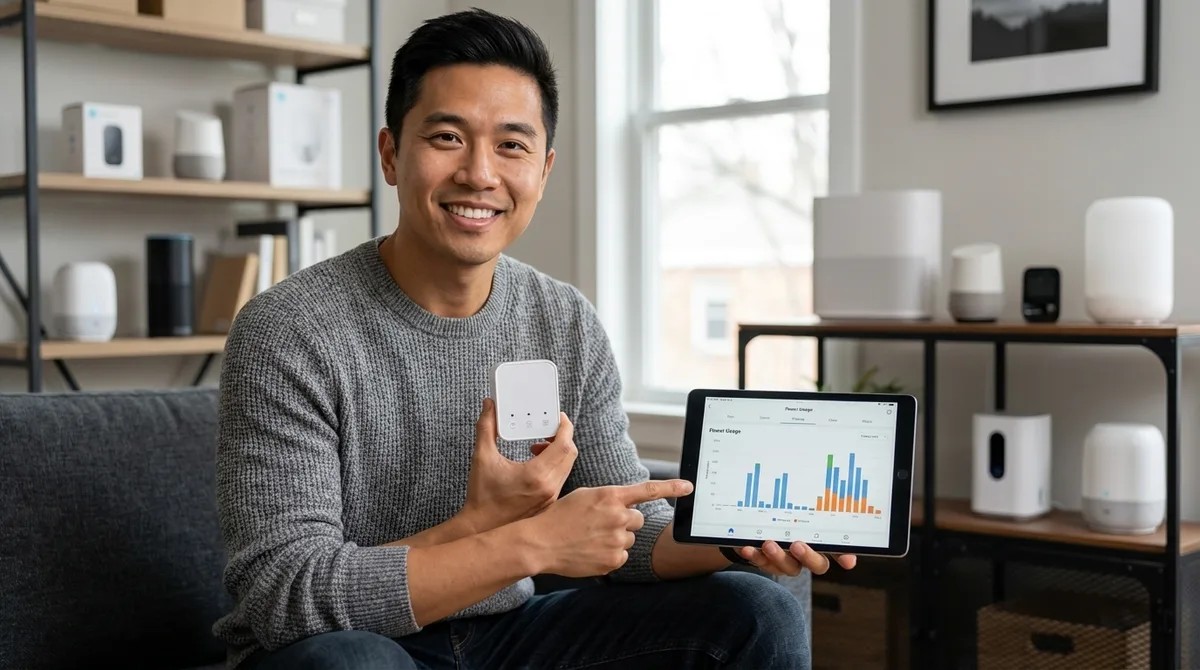
Your utility bill keeps climbing, but you have no idea which device is quietly draining power while you sleep. In this episode, Marcus Chen breaks down how to choose an energy monitor that actually integrates with your Matter or Zigbee smart home setup—and explains why measuring at the right level of granularity is the difference between vague data and actionable insights. Whether you're trying to catch a rogue pool pump or automate EV charging around peak rates, this guide covers the protocols, products, and automation logic that will help you finally understand where your electricity is going. Native Matter devices with Thread report power changes in 200–500 milliseconds, while Wi-Fi devices bridged to Matter can take 1–2 seconds due to cloud round-trips—a critical difference for automations that need to prevent breaker trips. Zigbee and Thread devices continue working locally when your internet goes down, unlike Wi-Fi monitors dependent on cloud APIs that can break your automations during outages or maintenance windows. Circuit-level monitoring is where you actually find energy hogs; whole-home monitors only show aggregate usage and can't distinguish between your fridge and water heater without additional current transformers on individual breakers. Advertised accuracy of ±2–5% applies to ideal conditions with resistive loads—expect ±8% or worse on motor-driven appliances like washing machines and HVAC compressors. The Shelly Pro 3EM reports at one-second intervals via CoAP or MQTT but defaults to sixty-second intervals over Matter, which catches new users off-guard when automations respond slower than expected. For plug-level monitoring in Zigbee systems, the Aqara Smart Plug T2 offers superior response time and automation reliability compared to most competitors in its price range. Read the full article: https://mysmarthomesetup.com/best-smart-home-energy-monitors-for-matter-and-zigbee-systems
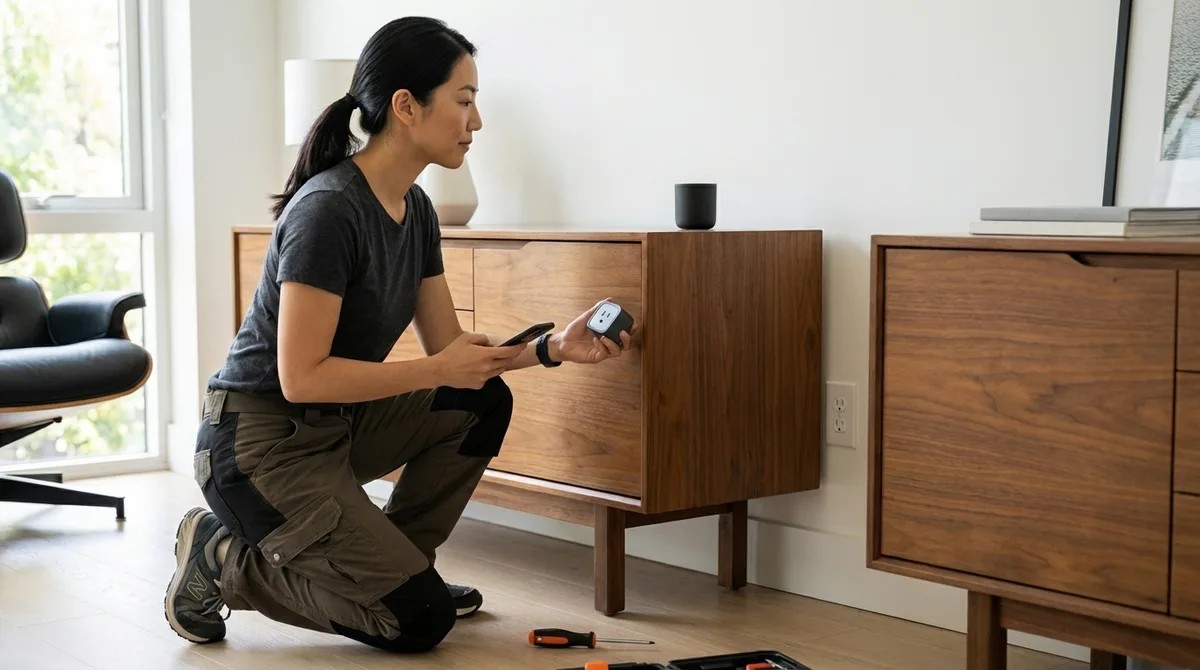
How to Install Hidden Smart Plugs Behind Furniture and Appliances
Smart home automation doesn't have to mean visible gadgets and tangled cables cluttering every corner of your space. In this episode, Keiko Tanaka walks through the complete process of installing smart plugs behind furniture, inside cabinets, and within appliances so your automation becomes invisible. Whether you're tired of glowing plugs ruining your carefully designed rooms or you want lamps and media consoles that respond intelligently without any visible tech, this guide covers the strategic placement, protocol selection, and installation techniques to make it happen. Different smart plug protocols serve different purposes: Matter and Thread offer cross-platform compatibility, Zigbee and Z-Wave plugs extend your mesh network as repeaters, while Wi-Fi plugs work standalone but can introduce 2–5 seconds of latency compared to under one second for mesh protocols. You need a minimum of 2–3 inches of clearance behind furniture for proper airflow around concealed smart plugs—skipping this step creates potential fire hazards. The best automation candidates aren't everything that can be automated, but what should be: floor lamps triggered by occupancy, media consoles that shut down after two hours of no motion, and seasonal lighting tied to sunset times. Documenting each plug's location and intended automation in a simple diagram prevents the common frustration of having five identically named devices with no idea which controls what. Not all smart plugs work for hidden installations—compact, low-profile designs that protrude less than two inches from the outlet are essential, while bulky models with external antennas can create connectivity issues or heat problems in enclosed spaces. If you're planning hidden motion sensors alongside your plugs, map both simultaneously so sensors can trigger the automated plugs you're installing. Read the full article: https://mysmarthomesetup.com/how-to-install-hidden-smart-plugs-behind-furniture-and-appliances
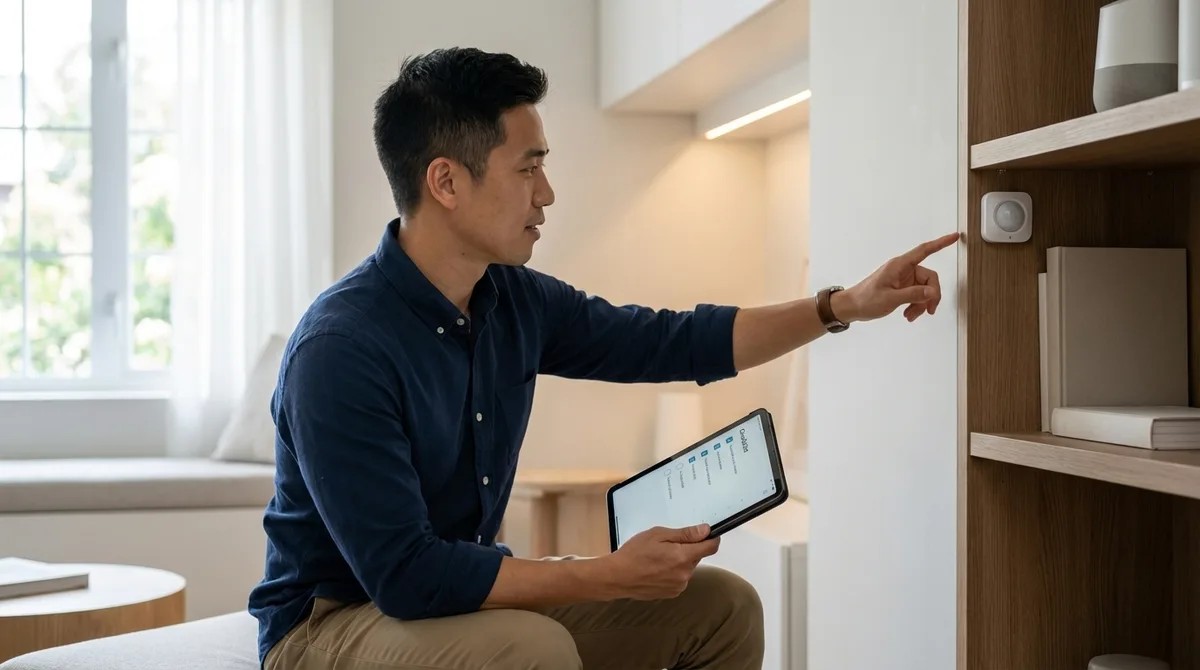
Discreet Smart Home Automation Checklist: Protocol Requirements & Device Placement
You've carefully hidden motion sensors behind picture frames and tucked your smart home hub into a closet for that clean, invisible aesthetic—only to watch half your automations fail two weeks later. This episode tackles the frustrating reality that not all wireless protocols handle concealed placement equally, and poor hub positioning can turn your sleek setup into a troubleshooting nightmare. Marcus Chen breaks down exactly which protocols maintain signal strength behind walls and inside furniture, where to position your hub for reliable mesh performance, and the planning steps that separate seamless hidden automation from constant connectivity drops. Whether you're building a new smart home or retrofitting an existing one, this guide ensures your devices stay invisible and actually keep working. Thread-enabled Matter devices and Zigbee 3.0 handle hidden placement best because they create self-healing mesh networks that route around obstacles—concealing mains-powered devices can actually extend your network rather than weaken it. Z-Wave's lower frequency (908 MHz in the US) penetrates walls and furniture better than 2.4 GHz protocols, requiring fewer repeaters for hidden installations—roughly one every 50-60 feet compared to Zigbee's 30-40 feet. Wi-Fi devices struggle most with concealed placement, especially behind metal surfaces or inside electrical boxes; if you must hide them, ensure line-of-sight to your access point even when visually obscured. Hub placement should prioritize central positioning over aesthetics—hiding your hub in a basement corner or metal utility closet creates single-point-of-failure scenarios that doom your entire setup. Zigbee hubs generate significant heat, so hiding them inside furniture without at least two inches of clearance on all sides can cause thermal throttling and mysterious connection drops. For Matter over Thread setups, your Thread border router needs reliable power and strong Ethernet or Wi-Fi backhaul—tucking it behind furniture on spotty Wi-Fi undermines your entire network's remote access capability. Read the full article: https://mysmarthomesetup.com/discreet-smart-home-automation-checklist

How to Hide Smart Home Devices Without Blocking Wireless Signals
Your smart home works perfectly—until you try to make it look presentable. The moment you tuck sensors behind frames, slide hubs into cabinets, or bury smart plugs behind furniture, automations start failing and devices drop offline. This episode breaks down exactly why concealment kills connectivity and how to hide your tech without destroying your mesh network. Whether you're dealing with Zigbee, Z-Wave, Thread, or Wi-Fi devices, you'll learn the specific materials, placement strategies, and testing methods that separate a reliable hidden setup from one that constantly drops commands. Your mesh network's repeater nodes are the worst candidates for aggressive concealment—hiding a single smart plug behind a metal appliance can collapse an entire branch of your network and take multiple sensors offline within 36 hours. Material choice matters dramatically: fabric and wood cause minimal signal loss (1–5 dB), while even thin aluminum foil can attenuate 2.4 GHz signals by 20–40 dB, effectively killing device communication entirely. Before hiding anything, map your existing mesh topology through your hub's diagnostic tools to identify which mains-powered devices are actively routing traffic for battery-powered sensors. Response time baselines vary by protocol—Zigbee should hit 100–300 milliseconds, Z-Wave runs 150–400 milliseconds, and Thread with a local Matter controller achieves 50–200 milliseconds. Test these before and after concealment. Signal strength (RSSI) readings between -40 and -70 dBm indicate healthy Zigbee connections, while anything below -80 dBm signals trouble—sometimes moving a device just eight inches can restore full connectivity. Set up automated monitoring that alerts you when any device hasn't reported in over 10 minutes, catching marginal connections before they fail completely during real-world use. Read the full article: https://mysmarthomesetup.com/how-to-hide-smart-home-devices-without-blocking-wireless-signals
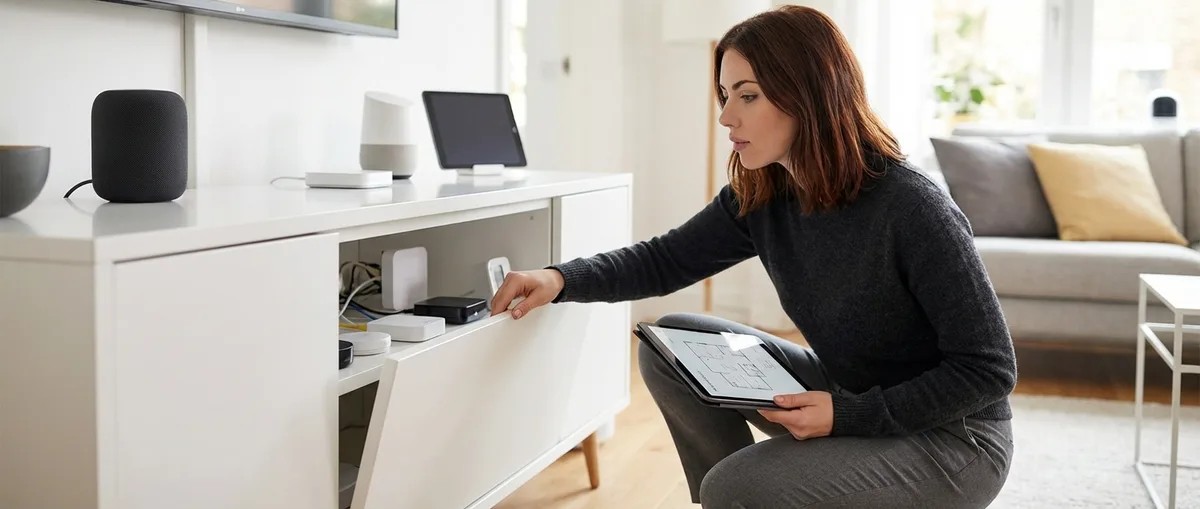
Understanding Concealed Smart Home Hubs: Z-Wave, Zigbee & Matter Compatibility
If you've built a privacy-conscious smart home but your hub sits on a shelf broadcasting your tech setup to every visitor, you're undermining your own operational security. This episode tackles a challenge most smart home guides ignore: how to hide your hub without killing wireless performance or mesh reliability. Chelsea Miller draws on three years of testing concealed configurations to explain which protocols actually tolerate being tucked inside cabinets, behind TVs, or within furniture—and which ones will punish you with dropped signals and frustrated troubleshooting sessions. Zigbee and Thread protocols handle concealment better than Z-Wave because their mesh architectures let nearby router devices compensate for a hidden coordinator's reduced range—as long as you maintain 3–4 router devices within 20–25 feet of the hub. Concealment materials matter more than you'd think: wood adds 3–8 dB of signal attenuation, drywall adds 5–12 dB depending on moisture content, and metal surfaces can cut 10–20 dB—potentially halving your effective range. Older Z-Wave 700-series hubs need more central, open placement because their mesh topology relies heavily on consistent signal strength from the controller itself, making concealment riskier. Matter border routers vary dramatically in concealment tolerance depending on whether they're managing Thread networks (mesh-friendly) or bridging Wi-Fi devices (placement-critical). Hiding your hub offers a genuine privacy advantage: a visible hub signals to visitors and potential intruders that you're running automation with cameras and sensors, while concealment keeps your security posture ambiguous. Real-world latency impact is minimal for most uses—expect 12–18 milliseconds of additional delay with cabinet concealment, which won't affect lighting or sensors but may matter for rapid sequential automation triggers. Read the full article: https://mysmarthomesetup.com/understanding-concealed-smart-home-hubs
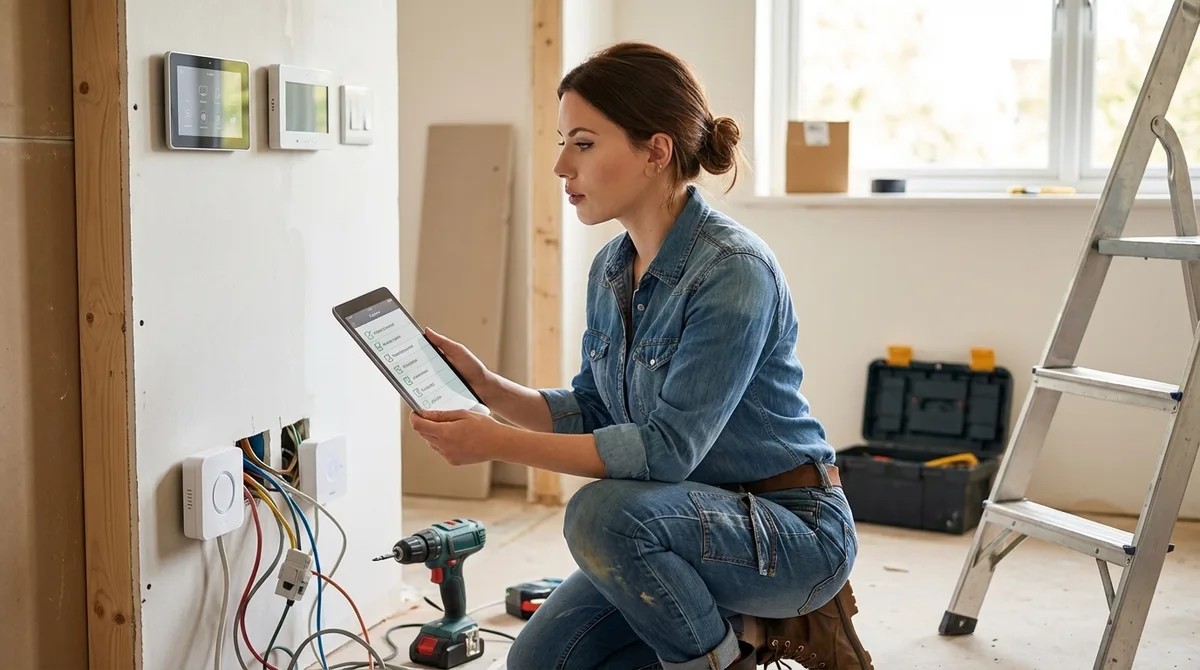
Hidden Smart Home Installation Checklist: Everything You Need Before You Buy
That "just works" promise on your next smart device is hiding infrastructure requirements, protocol conflicts, and privacy vulnerabilities that manufacturers would rather you never discover. In this episode, Chelsea Miller breaks down the technical checklist you need to complete before purchasing any smart home device—covering network architecture, protocol compatibility, and the specific hardware requirements that determine whether your automation runs locally or becomes another surveillance endpoint. Whether you're building a privacy-first setup or just tired of ecosystem lock-in traps, this guide reveals what breaks smart homes before they even get started. Your router likely can't isolate IoT devices from your personal network—most consumer routers lack VLAN support, and without it, a compromised smart bulb could access your NAS or other sensitive devices. A single "local" Z-Wave hub attempted 847 connections to analytics domains in 24 hours; without DNS-level blocking through Pi-hole or AdGuard Home, local control claims are essentially marketing fiction. Zigbee and Wi-Fi both operate on 2.4 GHz and can interfere catastrophically—if your router auto-selects Wi-Fi channel 6, your Zigbee network could experience 40–60% packet loss, causing retransmission storms during video calls. Matter 1.4 devices won't fully work with older Matter 1.0 or 1.1 hubs, and most 2024 hubs require firmware updates that manufacturers aren't clearly advertising. Z-Wave devices are region-locked by radio frequency (US at 908.4 MHz, EU at different frequencies), meaning importing devices from another region will result in complete incompatibility. Commercial remote access routes your commands through manufacturer servers with 150–400ms latency and creates single points of failure during cloud outages; a self-hosted VPN keeps local automations truly local. Read the full article: https://mysmarthomesetup.com/hidden-smart-home-installation-checklist
What Are Covert Smart Home Sensors? Types, Protocols & Use Cases Explained
Ever wonder what's silently monitoring your home from inside walls, furniture, and ceiling cavities? This episode pulls back the curtain on covert smart home sensors—the hidden devices designed to disappear into your living space while tracking motion, temperature, door contacts, and more. Chelsea Miller shares findings from three years of hands-on testing, revealing which sensors work offline and which ones are quietly uploading your behavioral data to the cloud. If you're building a discreet smart home setup or concerned about privacy, this breakdown of protocols, detection mechanisms, and real-world use cases will change how you approach hidden automation. Covert sensors use the same protocols as visible ones—Zigbee, Z-Wave, Thread, Matter, Wi-Fi—but their miniaturized form factors often sacrifice onboard processing power, making them more cloud-dependent by design. In a 2024 audit of 23 "discreet" sensors, 19 transmitted data to manufacturer servers even when local-only mode was supposedly enabled, with the smallest devices being the worst privacy offenders. Z-Wave's sub-gigahertz frequency penetrates walls better than Zigbee's 2.4 gigahertz signal, making it more reliable for sensors hidden inside metal junction boxes or dense building materials. Thread sensors offer superior sleep efficiency compared to Z-Wave, which extends battery life—a critical advantage for covert installations where accessing the sensor for battery swaps is difficult. Wi-Fi sensors drain batteries in weeks, making them impractical for hidden setups unless they're hardwired to a power source. Covert PIR motion sensors recessed into ceilings typically have narrower detection angles (around 87 degrees versus 110 degrees for bulky models), which affects placement strategy for hallways and open rooms. Read the full article: https://mysmarthomesetup.com/what-are-covert-smart-home-sensors-types-protocols-use-cases-explained
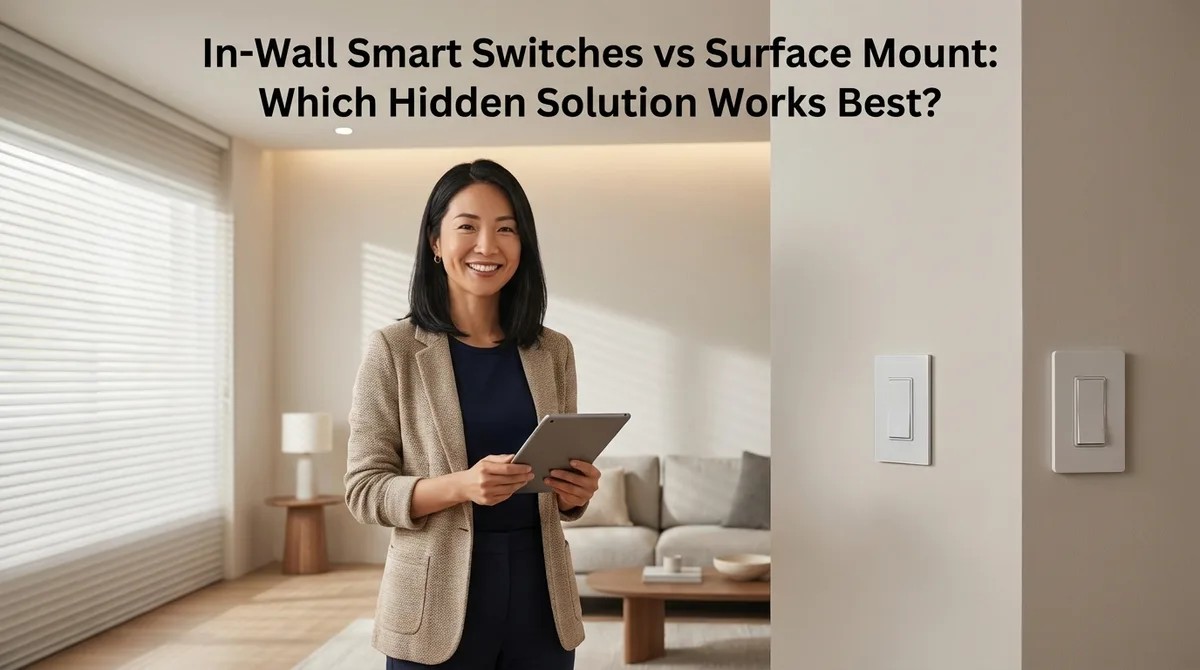
In-Wall Smart Switches vs Surface Mount: Which Hidden Solution Works Best?
Ever walked into a beautifully designed room and felt something was just slightly off? That glossy plastic button stuck to the wall or the mismatched switch plate might be the culprit. In this episode, Keiko Tanaka dives into one of the most overlooked decisions in smart home design: whether to install switches inside your walls or mount them on the surface. If you're torn between seamless aesthetics and installation simplicity, this breakdown of protocols, costs, reliability, and the daily visual experience will help you make the right call for your space. In-wall smart switches require a neutral wire in most cases, and homes built before the 1980s often lack this third wire—forcing you into expensive rewiring, specialty switches like Lutron Caseta, or surface-mount alternatives altogether. Surface-mount switches install in seconds with adhesive or minimal screws, but they protrude 3–15mm from your wall and can visually disrupt clean lines, especially in raking afternoon light. Protocol choice matters more than you'd think: in-wall switches typically use Zigbee or Z-Wave requiring a hub, while surface-mount options increasingly favor Thread for self-healing mesh networks without hub dependency. Wi-Fi-based in-wall switches can flood your network—fifteen switches transmitting status updates may degrade video call quality and overall network performance. Cost differences are dramatic: in-wall switches run $150–400 total including professional installation, while surface-mount devices cost $25–70 with no installation expense. Reliability trade-offs cut both ways—in-wall switches are hardwired with no battery anxiety and offer manual fallback via physical paddles, but surface-mount batteries need replacement every 12–24 months and adhesive can fail in humid environments. Read the full article: https://mysmarthomesetup.com/in-wall-smart-switches-vs-surface-mount

Best Disguised Smart Speakers Under $150 (Zigbee & Thread Compatible)
Smart speakers don't have to scream "tech gadget" the moment someone walks into your home. In this episode, Marcus Chen breaks down eight disguised smart speakers under $150 that vanish into your décor while delivering the Zigbee, Thread, and Matter compatibility your automation network demands. If you've been hunting for voice control and mesh network integration without sacrificing your interior design aesthetic, this guide answers exactly how to get both—complete with real-world latency tests and specific hub requirements for each device. The IKEA Symfonisk Picture Frame runs Matter 1.4 over Thread and acts as a border router, strengthening your mesh network for nearby sensors while looking like standard wall art—though you'll need custom matting since the 12x16-inch frame doesn't match standard photo print sizes. Zigbee 3.0 speakers like the LIFX Beacon Table Lamp draw only 3W at idle compared to 8-12W for typical Wi-Fi speakers, making a measurable difference when you're running multiple units across your home. Combined automation commands (like triggering both lighting and audio) run 120-320ms faster when routed through a single Zigbee message versus separate Wi-Fi protocols for each action. The Lenovo Smart Clock Essential doubles as a Zigbee router supporting up to 32 child devices, letting you extend mesh coverage into bedrooms without adding dedicated repeaters. Matter 1.4 compatibility eliminates protocol bridging headaches—devices work natively with Apple Home, Google Home, Amazon Alexa, and Samsung SmartThings without cloud roundtrips slowing down your automations. Every speaker tested includes meaningful fallback behavior: local control via physical buttons or last-set states when your hub or internet goes offline, so you're never left with completely bricked devices. Read the full article: https://mysmarthomesetup.com/best-disguised-smart-speakers-under-150-zigbee-thread-compatible

Hidden Motion Sensors vs Visible Motion Sensors: Which Is Better for Matter Networks?
You've spent months perfecting your living room's clean aesthetic, only to have a white plastic motion sensor dome ruin the view from every angle. But is hiding your sensors worth the trade-offs in your Matter smart home? This episode dives deep into the hidden versus visible motion sensor debate, comparing both approaches across installation complexity, Matter protocol reliability, automation responsiveness, and long-term maintenance. Whether you prioritize seamless design or easy troubleshooting, Keiko Tanaka breaks down exactly what each choice means for your smart home ecosystem. Thread-based hidden sensors maintain excellent mesh reliability through drywall and wood, while Wi-Fi models suffer 15–30% signal degradation when concealed behind building materials. Installation time differs dramatically: hidden sensors require 2–4 hours per unit for retrofit projects involving wall cutting and wire fishing, while visible sensors mount in 5–10 minutes with adhesive or a single screw. Visible Thread sensors achieve 99%+ trigger accuracy with unobstructed antenna placement, compared to 98%+ for properly positioned hidden Thread models and lower rates for Wi-Fi variants. Battery replacement reveals the biggest maintenance gap—hidden sensors can take 20+ minutes and may require drywall patching, while visible sensors offer 60-second battery swaps through pop-off covers. Hidden sensors preserve the illusion that your space is naturally responsive rather than monitored by gadgets, which matters most in design-focused homes with natural materials and curated aesthetics. Visible sensors offer one unique advantage: their prominence acts as a deterrent in security-focused installations, signaling active monitoring to potential intruders despite the aesthetic cost. Read the full article: https://mysmarthomesetup.com/hidden-motion-sensors-vs-visible-motion-sensors

Hidden Motion Sensors vs Visible Motion Sensors: Which Is Better for Matter Networks?
Should your motion sensors disappear into your walls or sit out in plain sight? In this episode, you'll learn how hidden and visible motion sensors compare across aesthetics, Matter protocol reliability, installation complexity, and long-term maintenance. We break down which approach makes sense for design-conscious homes versus pragmatic setups that prioritize easy troubleshooting. • Thread-based hidden sensors maintain reliable mesh connectivity through drywall and wood with less than five percent signal loss, while Wi-Fi models can suffer fifteen to thirty percent degradation when concealed. • Installing recessed ceiling sensors takes two to four hours per unit and costs eighty to one hundred fifty dollars professionally, compared to five to ten minutes and no additional labor for visible adhesive-mounted sensors. • Visible sensors allow sixty-second battery replacements and instant LED status checks, while hidden sensors require ladder access, trim ring removal, and twenty-plus minutes per service event. • Mixing hidden and visible sensors in the same Matter network causes no protocol conflicts, but maintaining consistent wireless technology across all sensors prevents timing inconsistencies in whole-home automations. • Hidden sensors preserve architectural integrity in design-focused homes planning long-term occupancy, while visible sensors suit renters, frequent redecorators, and anyone who values iterative placement refinement. Links to any products or resources mentioned in this episode can be found at https://mysmarthomesetup.com/hidden-motion-sensors-vs-visible-motion-sensors.
Best Hidden Security Cameras for Smart Homes in 2026
If you want your home to feel secure without looking like a surveillance compound, this episode is for you. Keiko Tanaka draws on years of integrating concealed cameras into residential smart homes across the Pacific Northwest to explain what actually makes a hidden security camera worth installing in 2026. She breaks down the technical requirements, protocol compatibility, storage decisions, and automation potential that separate genuinely invisible cameras from devices that just claim to be discreet. The most effective hidden cameras don't disguise themselves as everyday objects like smoke detectors—they integrate into existing architectural elements like picture frame moldings or speaker ventilation grilles, disappearing into your space rather than adding suspicious new objects. Physical dimensions matter far more than marketing suggests; cameras requiring large cutouts or modifications often create installation headaches like exposed wiring, patched holes, or awkward furniture placement that undermine the whole point of concealment. Matter 1.4 and Thread compatibility have become baseline requirements for hidden cameras in mature smart home ecosystems, enabling cross-platform automations where motion detection can trigger lights, verify door locks, and shift thermostat modes without proprietary bridges fragmenting your system. Thread-based cameras offer 50–150 millisecond response times compared to Wi-Fi's 200–800 milliseconds, but require a Thread Border Router like an Apple HomePod mini or Google Nest Hub for setup. The best 2026 hidden cameras offer dual-path storage—continuous local recording with cloud uploads triggered only by specific events—preserving your autonomy while providing selective backup for critical moments without monthly fees eating into your budget. True smart home integration requires cameras that expose granular conditional triggers, letting you build automations based on person detection in specific zones during specific hours rather than just generic motion alerts. Read the full article: https://mysmarthomesetup.com/best-hidden-security-cameras-for-smart-homes-in-2026
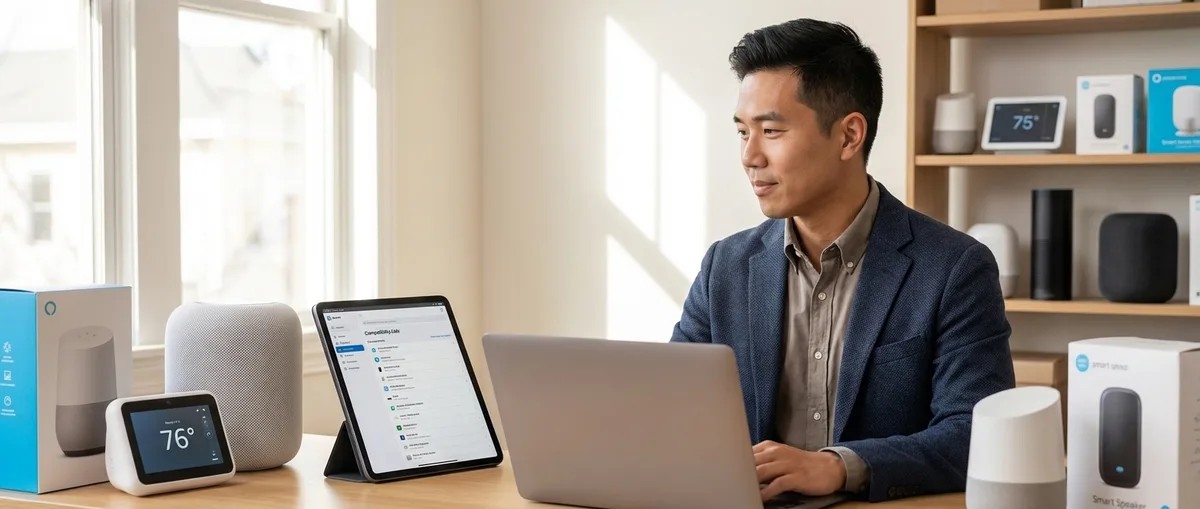
Matter 1.4 Compatibility Checklist: Verify Device Support Across Ecosystems
You scan the QR code on your new Matter 1.4 certified smart plug, and nothing happens. Your hub claims it's incompatible, even though both devices proudly display the Matter logo. In this episode, smart home installer Marcus Chen breaks down exactly why "Matter certified" doesn't guarantee compatibility and shares the verification checklist he uses on every professional installation. Whether you're expanding an existing setup, mixing devices from different manufacturers, or trying to figure out why pairing keeps failing, this episode gives you the specific checks to run before you buy. A hub labeled "Matter compatible" may only support Matter 1.0 or 1.1, meaning it won't recognize newer device types introduced in 1.4 like robot vacuums, energy management devices, and enhanced sensors—always verify the actual firmware version in your hub's settings. Thread-based Matter devices require your hub to function as a Thread Border Router, and many older smart displays that support Matter over Wi-Fi lack the Thread radio entirely, making pairing impossible. Matter relies on IPv6 for local device communication, so if your router has IPv6 disabled or your ISP doesn't provide it, you'll need to enable IPv6 over IPv4 tunneling before Matter devices will work properly. Your controller app matters as much as your hub hardware—even if your hub firmware supports Matter 1.4, the app (Apple Home, Google Home, Alexa, SmartThings) must also have updated its Matter implementation to access new device categories. Multi-admin support lets one device work across multiple ecosystems simultaneously, but feature parity isn't guaranteed—an energy monitoring plug might show full data in Google Home while appearing as a basic on/off switch in Apple Home. Some newer Wi-Fi Matter devices require Wi-Fi 6 (802.11ax) for proper performance, and pairing failures or reliability issues often trace back to routers running only Wi-Fi 5. Read the full article: https://mysmarthomesetup.com/matter-1-4-compatibility-checklist
Matter 1.4 Hub Requirements Explained: Border Routers, Bridges, and Controllers
Ever notice how a single unresponsive light or a delayed automation can disrupt the entire flow of your smart home? Those small frustrations often trace back to infrastructure choices you didn't realize you were making. This episode breaks down the three critical components behind Matter 1.4—border routers, bridges, and controllers—and explains how each one determines whether your automations feel seamless or frustrating. Whether you're building a Thread-based sensor network or integrating legacy Zigbee devices, understanding these requirements helps you avoid redundant hubs and dropped commands. Thread-based Matter devices require a border router (like a HomePod mini or certain Nest/Echo speakers) to translate between the mesh network and your home's IP network—without one, Thread devices simply can't communicate with controllers. Multiple border routers create redundancy; if one loses power or fails, the Thread mesh automatically reroutes through another, which is essential for homes where automation controls critical functions like entryway lighting. Controllers don't have to be dedicated hubs—a smartphone can act as one temporarily, but automations require something always powered and connected, making smart speakers or concealed devices like a Mac mini running Home Assistant ideal for clutter-free setups. Bridges like the Philips Hue Bridge let existing Zigbee or Z-Wave devices participate in Matter ecosystems, but they introduce 100–300 milliseconds of additional latency and create a single point of failure for all connected legacy devices. Matter 1.4 compatibility isn't automatic or retroactive—older controllers may need firmware updates, and not all bridges support the new standard yet, so verifying explicit compatibility before assuming seamless integration is critical. For design-focused installations, infrastructure can disappear: in-wall switches with built-in Thread radios serve as both endpoints and border routers, eliminating the visual clutter of stacked hubs in utility closets. Read the full article: https://mysmarthomesetup.com/matter-1-4-hub-requirements-explained
How to Migrate Your Smart Home to Matter 1.4 Without Breaking Automations
Smart home enthusiasts have been promised seamless interoperability for years, and Matter 1.4 finally delivers—but only if you migrate correctly. In this episode, Keiko Tanaka draws on a decade of smart home design experience to walk you through the exact process of upgrading your network without destroying the automations that make your home feel intelligent. Whether you're running Apple Home, Google Home, Amazon Alexa, or Home Assistant, this guide covers the preparation, sequencing, and troubleshooting you need to preserve those morning routines and sensor responses that currently work invisibly. A careless migration can break every automation in your home in a single afternoon—the key is documenting device dependencies and cross-protocol chains before touching anything, including which sensors trigger which responses and their expected latency. Not all "Matter compatible" devices actually support Matter 1.4; you must verify specific model numbers in the Connectivity Standards Alliance database rather than trusting marketing claims, since older 1.0 or 1.2 implementations lack critical features. Firmware updates should happen before migration begins, and Thread-based devices require an active Thread border router to update—meaning you may need to establish your Thread network first if you're moving from Zigbee. Export automation rules from every platform with timestamps to create restoration points; Apple Home allows shortcut exports, Home Assistant uses YAML files, but Google Home unfortunately requires manual documentation. Expect to invest four to six hours over a weekend, with intermediate technical comfort required—you'll be working with hub settings, backup files, conditional logic, and commissioning apps on iOS 17+ or Android 13+. Your existing automation chains likely span multiple protocols without you realizing it—a single bedroom lighting scene might depend on a Zigbee contact sensor, Z-Wave motion detector, and Wi-Fi bulbs all working together, and these must be carefully reconstructed in Matter 1.4. Read the full article: https://mysmarthomesetup.com/how-to-migrate-your-smart-home-to-matter-1-4-without-breaking-automations
Matter 1.4 Device Setup Checklist: Everything You Need Before Installing
Ever wonder why some people breeze through smart home installations while others spend hours troubleshooting mysterious connection drops? The difference almost always comes down to preparation. In this episode, Marcus Chen shares the exact checklist he's developed from walking dozens of homeowners through their first Matter 1.4 setups—covering everything from router firmware requirements to controller compatibility to the network settings that silently break your automations. If you're planning to install Matter devices and want to avoid midnight router reboots, this one's for you. Your router needs IPv6 support with firmware from 2024 or later—routers from 2022 or earlier often cause intermittent device drops even when IPv6 is technically enabled, and outdated firmware is the most common culprit behind phantom connectivity issues. Keep both 2.4GHz and 5GHz bands active without aggressive band steering, since most Matter sensors and battery-powered devices require 2.4GHz for adequate range despite it being considered "old technology." Assign a static IP to your primary Matter controller (HomePod, Nest Hub, or Echo) to prevent automations from mysteriously breaking after router reboots when the controller's address changes. If you've created VLANs or separate IoT networks for security, verify bidirectional communication between your controller and devices—firewalls that allow outbound traffic but block inbound responses will let everything appear connected while no commands actually work. Counterintuitively, you should disable port forwarding for Matter ports 5540 and 5541—unlike older protocols, Matter handles remote access through your ecosystem's cloud service, and manual port forwarding creates routing conflicts that prevent local communication. Not all Matter-compatible devices can control a Matter network; Apple HomePod and Apple TV 4K function as both controllers and Thread border routers, while Google Nest Hubs support Matter 1.4 but lack Thread border router functionality. Read the full article: https://mysmarthomesetup.com/matter-1-4-device-setup-checklist

Matter 1.4 vs Thread: Which Smart Home Protocol Is Better?
If you've ever wondered why your "smart" home still feels frustratingly dumb, you're probably confused about the difference between Matter and Thread—and you're not alone. In this episode, Marcus Chen breaks down the critical distinction that most people get wrong: Matter and Thread aren't competing standards at all. One is the language your devices speak, the other is the road they travel. Understanding this relationship before you buy another gadget could save you from a drawer full of expensive mistakes. Matter is an application layer protocol that defines what devices can do together, while Thread is a network transport protocol that determines how they communicate—they're designed to work together, not compete. Not all Matter devices use Thread, and not all Thread devices support Matter. Some older Thread products from brands like Eve and Nanoleaf don't support Matter at all, which is where buying confusion often starts. Thread offers significantly lower latency (50–150 milliseconds) compared to Matter's typical 200–500 milliseconds, making it faster than both Zigbee and Z-Wave for local mesh communication. Your Matter controller—whether it's a HomePod mini, Google Nest Hub, or Amazon Echo 4th gen—handles all automation logic. If that controller loses power, your automations stop working even though devices still respond to manual control. Matter 1.4 doesn't replace your existing Zigbee or Z-Wave devices. Your Philips Hue bulbs still need their bridge; Matter just lets that bridge communicate with multiple ecosystems simultaneously. To run Thread-based Matter devices, you need three things: a Matter controller, a Thread Border Router (often the same device), and devices specifically certified for Matter 1.4—always verify certification before purchasing. Read the full article: https://mysmarthomesetup.com/matter-1-4-vs-thread
Best Matter 1.4 Compatible Smart Home Devices for 2026
You've done the research, bought the "local control" devices, and built what you thought was a privacy-respecting smart home—only to discover your gadgets are still quietly phoning home. In this episode, Chelsea Miller shares the results of four months of rigorous testing on Matter 1.4 devices, including 30-day air-gapped network trials and packet captures that reveal which products actually deliver on their local control promises. If you're serious about building a smart home that doesn't depend on cloud servers or leak your data to manufacturers, this breakdown will show you exactly what to look for and which devices passed the strictest privacy tests. True local operation means testing actual packet behavior, not trusting marketing claims—run devices on an air-gapped network and verify automations still work when your internet connection drops. Firmware updates are a hidden vulnerability; many manufacturers force cloud authentication for updates even when devices operate locally day-to-day, effectively building in a kill switch for privacy-focused setups. Running Wireshark captures during device setup reveals critical red flags like persistent cloud connections, excessive data transmission, and DNS queries to manufacturer servers that shouldn't exist on truly local devices. Thread-based devices offer better resilience than Wi-Fi-only Matter devices because they create mesh networks that route around failures, but you should test border router fallback behavior explicitly since migration delays can range from 2 to 45 seconds. Manufacturers like Eve Systems and Aqara stand out for transparency, offering direct firmware downloads and local update mechanisms without cloud handshakes. Generic IoT privacy policies don't cut it anymore—look for manufacturers that publish Matter-specific documentation explaining exactly what data leaves your network and why. Read the full article: https://mysmarthomesetup.com/best-matter-1-4-compatible-smart-home-devices-for-2026
Matter 1.4 Smart Home Protocol: Complete Guide to Cross-Platform Automation
If you've ever struggled to get your smart home devices from different manufacturers to actually work together, Matter 1.4 might be the breakthrough you've been waiting for—or it might be another overpromised spec that falls short. In this episode, Chelsea Miller shares findings from seven months of testing Matter 1.4 across seven different ecosystems in a completely offline setup. She breaks down what this protocol actually delivers for privacy-focused users who want cross-platform automation without cloud dependencies, and where it still falls frustratingly short. Matter 1.4 runs over IPv6 with end-to-end encryption and gives every device a unique cryptographic identity, making it fundamentally more secure than older proprietary protocols that rely on cloud routing. The new fabric sync feature lets you share device access across multiple controllers—so your Home Assistant server, Apple HomePod, and Google Nest Hub can all control the same smart plug without fighting over ownership or requiring separate commissioning. Thread-based Matter devices typically show 80–150 milliseconds latency, while Wi-Fi-based devices respond faster at 40–80 milliseconds, though they consume more power. Matter 1.4 finally adds support for cameras, home robots, air quality sensors, and energy monitoring devices—critical categories missing from earlier versions that limited real-world usefulness. The batch automation trigger feature now handles scenes with ten or more devices efficiently, solving a major pain point for whole-home automations that previously bogged down older Matter implementations. Local network multicast support eliminates cloud routing requirements in multi-controller setups, which is a significant win for anyone building a privacy-first smart home on an air-gapped network. Read the full article: https://mysmarthomesetup.com/matter-1-4-smart-home-protocol
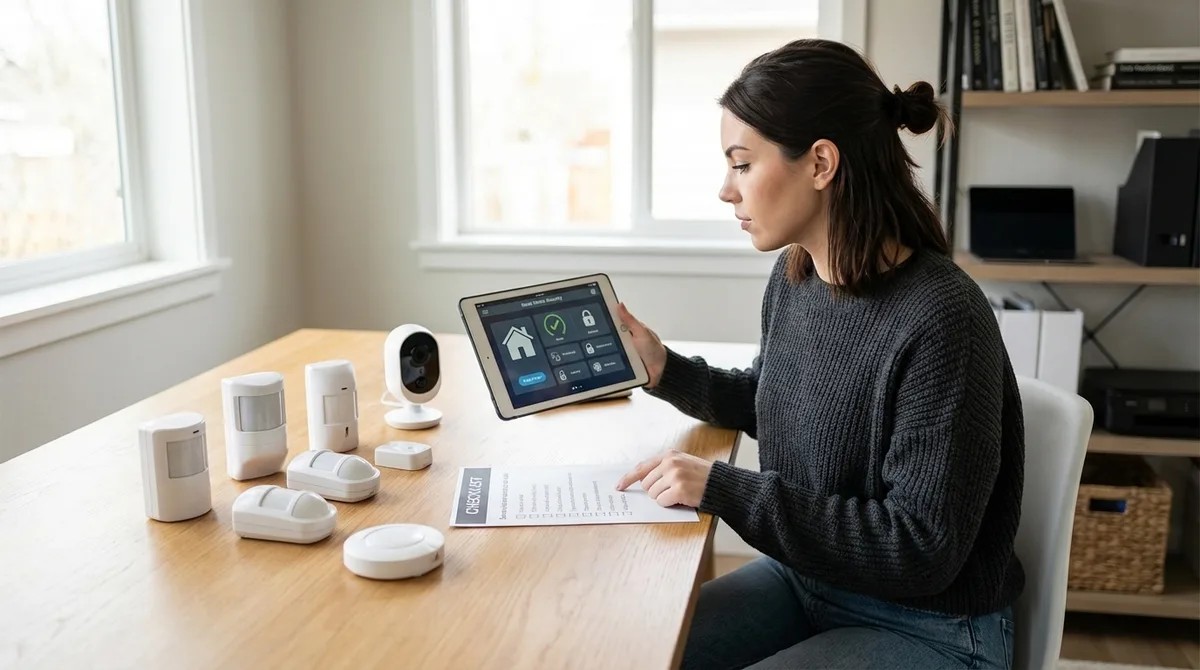
Complete Checklist for Building a No-Fee Home Security System
Think you need a monthly subscription to keep your home secure? Think again. In this episode, Chelsea Miller breaks down exactly how to build a fully functional home security system that operates entirely without cloud fees, data-sharing agreements, or the recurring charges that most companies bake into their business models. Whether you're fed up with Ring's latest price hike or starting fresh, this checklist covers everything from camera selection and local storage hardware to the protocol pitfalls that trip up most DIY builders. Not all "local storage" cameras are truly offline—some still require cloud authentication to function or lock features behind paywalls after 30 days, so look specifically for cameras with RTSP protocol support and microSD slots that work without internet access. Zigbee and Z-Wave motion sensors trigger recordings and alarms with 10–30 millisecond latency without relying on cloud AI processing, while Wi-Fi motion sensors almost always require cloud accounts despite marketing claims of local operation. A network video recorder or NAS device like the Synology DS220+ with Surveillance Station can store 30 days of continuous footage locally from 20+ camera brands—no subscriptions required. Your security system becomes useless during power outages without backup power; a 1500VA UPS keeps your hub and NVR running for 4–6 hours, but don't forget your router and modem also need UPS protection for remote access. Protocol mismatches are the most common DIY failure point—buying Zigbee sensors for a Z-Wave-only hub means devices simply won't communicate, so confirm your control hub supports every protocol your devices use before purchasing. Wired Ethernet connections deliver 5–15 millisecond latency compared to 50–200 milliseconds for Wi-Fi cameras, and eliminate the packet drops that plague congested 2.4GHz networks. Read the full article: https://mysmarthomesetup.com/complete-checklist-for-building-a-no-fee-home-security-system
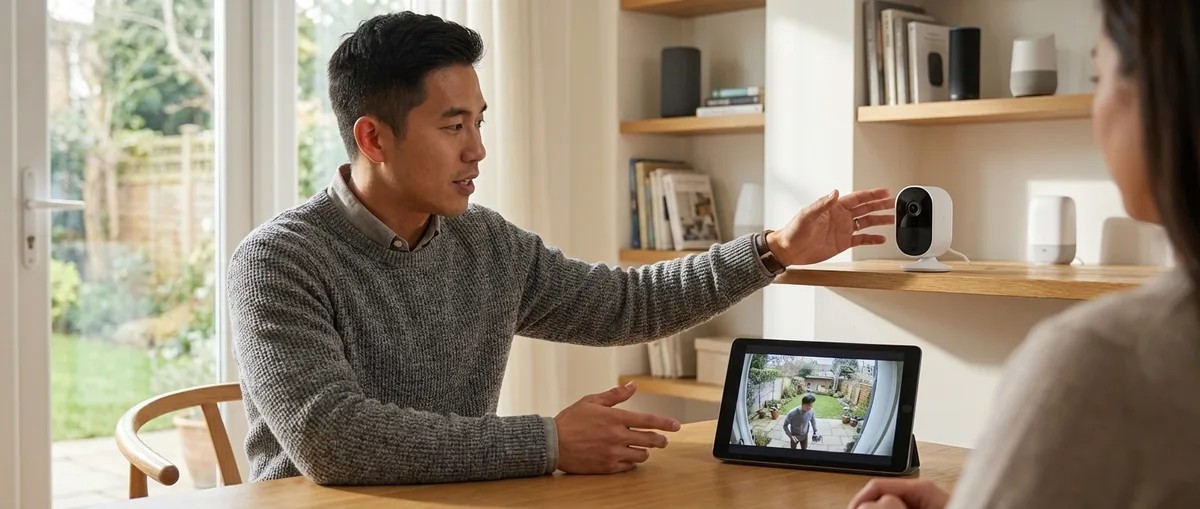
What Are Subscription-Free Security Cameras and How Do They Work?
If you're tired of watching monthly security camera fees drain your wallet, this episode breaks down exactly how subscription-free cameras work and whether they're right for your home. Marcus Chen explains the technology behind local storage options, from simple microSD cards to network-attached storage systems, and walks through the real trade-offs you'll face when ditching cloud subscriptions. Whether you're technically savvy or just fed up with recurring charges, you'll learn what it actually takes to own your security footage outright. Three cameras with $10/month subscriptions cost over $1,000 in just three years—subscription-free cameras eliminate this perpetual expense by storing footage locally instead of in the cloud. H.265 compression reduces video file sizes by 30-50% compared to H.264, meaning a 256GB microSD card can hold 7-10 days of continuous 4K recording versus only 4-6 days with older encoding. Local storage comes in three main forms: microSD cards (simplest but vulnerable to theft), base stations with built-in drives (like Eufy HomeBase 2 with up to 16TB expansion), and network-attached storage for advanced users running software like Frigate or Blue Iris. The theft vulnerability of microSD storage can be mitigated by mounting cameras out of reach or choosing models with theft alerts that upload a snapshot to your phone before tampering occurs. Matter 1.4 theoretically supports camera integration, but as of early 2026, production-ready Matter cameras with robust local storage aren't available—most implementations still require cloud components. Switching to subscription-free means taking on new responsibilities: managing storage capacity, handling backup procedures for redundancy, and configuring remote access yourself. Read the full article: https://mysmarthomesetup.com/what-are-subscription-free-security-cameras-and-how-do-they-work
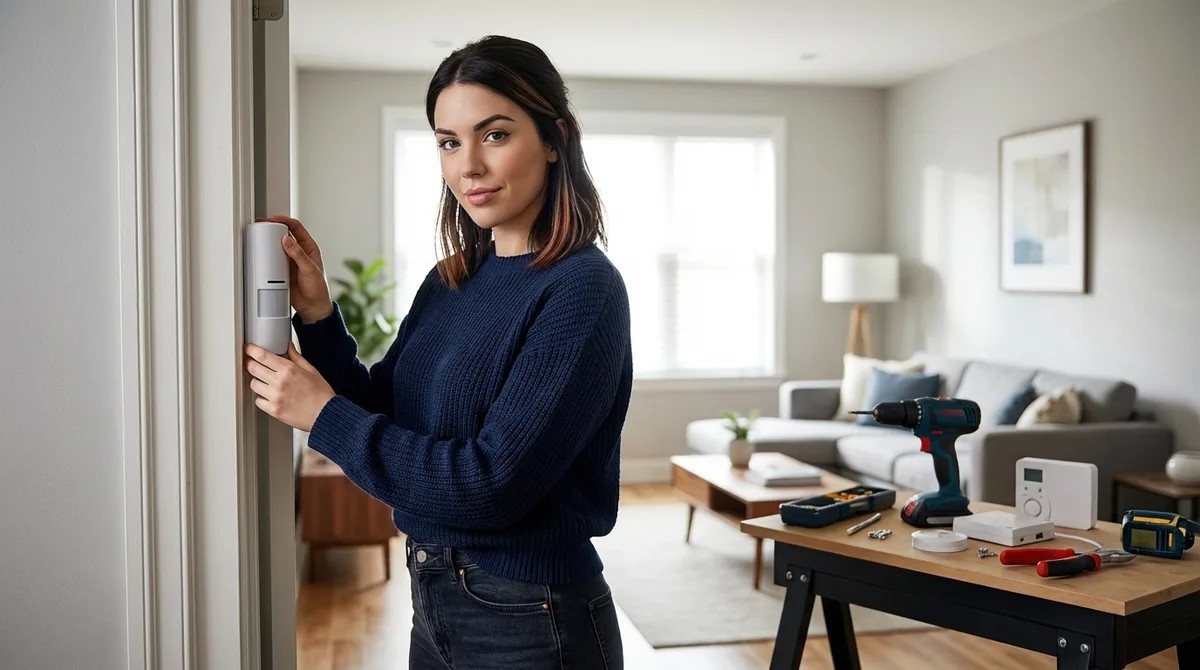
How to Set Up a Security Alarm With No Monthly Fee
Most "subscription-free" alarm systems still send your data to manufacturer servers, leaving you vulnerable to outages, privacy breaches, and surprise fee changes. In this episode, Chelsea Miller breaks down exactly how to build a truly local security alarm system that costs nothing per month and keeps every byte of data on your own network. After three months of testing various configurations, she walks through the complete setup process—from choosing the right Zigbee sensors to configuring Home Assistant automations that trigger faster than cloud-based competitors. This guide is for intermediate DIYers comfortable with basic networking and configuration files who want genuine control over their home security. A fully local alarm system can trigger alerts in 200–400 milliseconds, significantly faster than most cloud-dependent alternatives, by eliminating the round-trip to external servers. Home Assistant running on dedicated hardware like a Raspberry Pi 4 or mini PC serves as the brain of the system, and you should skip all cloud integration offers during setup—including Nabu Casa—to maintain true local control. Wired Ethernet connections reduce latency by 50–150 milliseconds compared to Wi-Fi, which can stretch total response time to 500 milliseconds or more when sensor triggers compound through the system. The SkyConnect Zigbee coordinator offers better range and stability than alternatives like ConBee II, plus future-proofing with Thread and Matter 1.4 support for expanding beyond Zigbee. Automatic updates should be disabled after initial setup—Chelsea learned this the hard way when a bad update bricked her system at 2 AM and caused motion detection to fail. For maximum privacy, block Home Assistant from reaching the internet entirely using router firewall rules, ensuring your system functions without ever touching an external server. Read the full article: https://mysmarthomesetup.com/how-to-set-up-a-security-alarm-with-no-monthly-fee
Best Subscription-Free Security Cameras for Local Storage
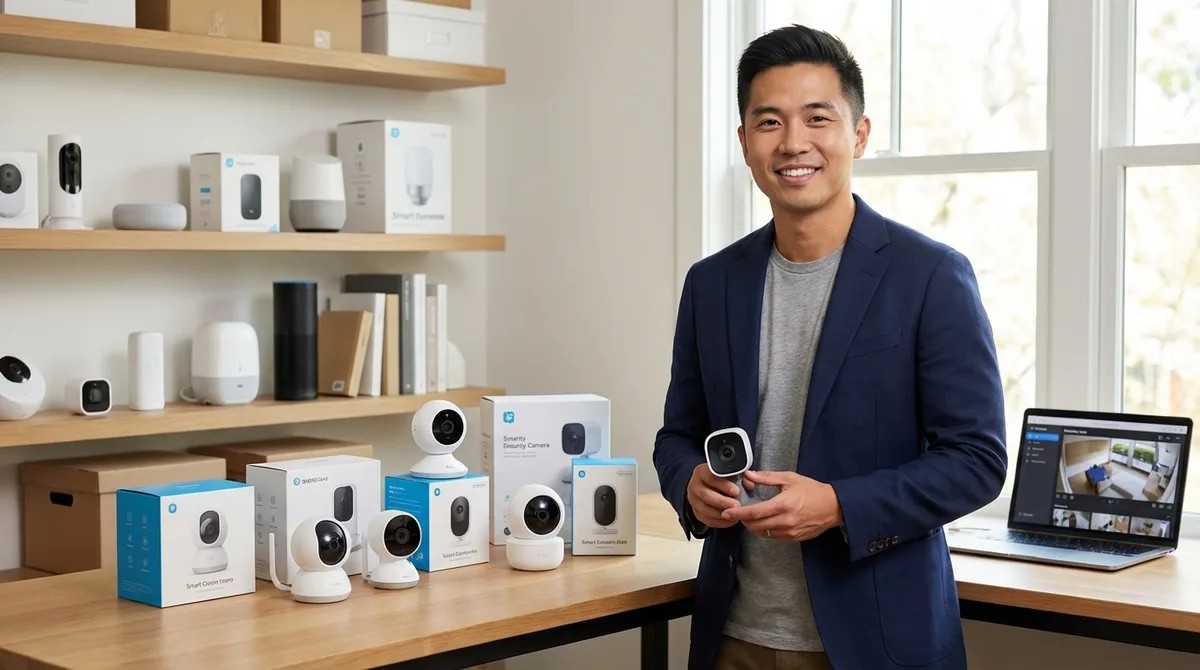
Tired of security cameras that promise free recording only to lock every useful feature behind a monthly subscription? In this episode, Marcus Chen breaks down the best cameras that actually deliver on local storage—no cloud fees, no recurring charges, just your footage on your own hardware. Whether you're looking for a premium 4K option, a budget-friendly pan-tilt camera, or something with advanced dual-lens tracking, this guide covers what works in 2026 and what trade-offs you'll face compared to subscription-based competitors. The Reolink Argus 4 Pro offers 4K resolution with on-device AI that detects people, vehicles, and animals—all without monthly fees—but it lacks integration with HomeKit, Google Home, or Alexa for live viewing. MicroSD card quality matters more than you'd expect: slower cards cause frame drops during continuous recording, so look for U3-rated cards with at least 128GB capacity. The Eufy SoloCam S340's 2.4GHz-only Wi-Fi creates real problems in congested neighborhoods—expect choppy playback and delayed notifications if your signal strength is weaker than -70 dBm. Budget cameras like the TP-Link Tapo C520WS deliver 2K resolution and 360-degree coverage under $100, but you'll lose advanced AI features like vehicle and animal detection. Solar panel accessories may not keep up with continuous recording in cloudy climates—Marcus found he needed to manually charge batteries every three to four weeks during Pacific Northwest winters. Local storage capacity varies dramatically: a 128GB card holds five to seven days of 24/7 4K recording, but switching to motion-only mode extends that to two to three weeks. Read the full article: https://mysmarthomesetup.com/best-subscription-free-security-cameras-for-local-storage
Best Home Security Systems With No Monthly Fee
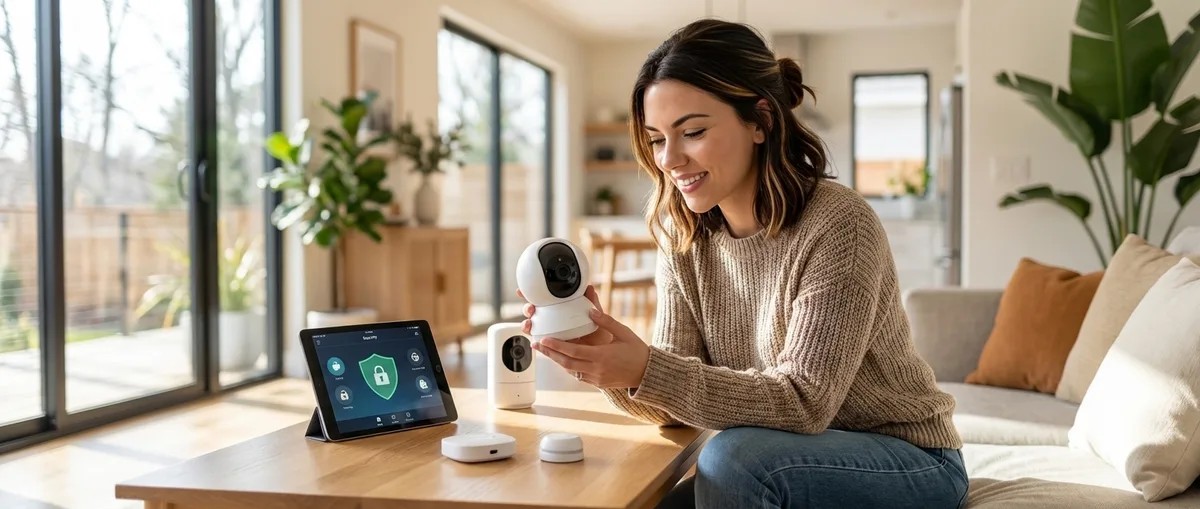
Ever bought a security system only to discover it's basically a paperweight without a monthly subscription? Chelsea Miller spent months testing 47 DIY security systems and found most are secretly useless without cloud access. In this episode, she breaks down exactly which no-fee systems actually work offline, how to spot fake "local storage" claims, and the specific protocols that keep your security—and your data—under your control. Most systems marketing "optional cloud" actually cripple local recording features—only 6 out of 17 systems Chelsea tested maintained full functionality when completely offline. Run this simple test before buying: disconnect your router during setup. If the system throws errors or won't record, it's cloud-dependent regardless of what the marketing claims. Zigbee, Z-Wave, and Matter 1.4 protocols handle offline operation far better than Wi-Fi devices, which often stop working entirely without cloud connectivity. Packet captures revealed shocking data leakage—the worst offenders sent over 4,000 packets daily even with cloud features disabled, while the best systems sent zero packets after initial setup. Cloud-dependent systems take 2–4 seconds from sensor trigger to camera recording when working well and fail completely when internet drops. Local systems like Home Assistant with Zigbee average just 120–180 milliseconds. For truly private notifications without subscriptions, tools like Gotify on a local server combined with WireGuard VPN provide push alerts and remote access with zero cloud dependency. Read the full article: https://mysmarthomesetup.com/best-home-security-systems-with-no-monthly-fee
Best Home Security Systems With No Monthly Fee
You just dropped four hundred bucks on a security system only to find out it's useless without a thirty-dollar-a-month cloud subscription. In this episode, Chelsea Miller walks you through the best home security systems in 2026 that actually work without monthly fees—no cloud dependency, no data leaks, and no compromises on core functionality. You'll learn exactly what to look for in local-only systems, which products deliver on their promises, and how to build a setup that's genuinely private and reliable. • Most "no monthly fee" security systems still require cloud access for critical features—test offline functionality by unplugging your router during setup to verify true local operation. • Systems using Zigbee, Z-Wave, or Matter 1.4 protocols with local mesh networking respond 10 to 20 times faster than cloud-dependent alternatives and continue working during internet outages. • The Reolink PoE camera system offers professional-grade 4K recording with zero cloud dependency, while the Aqara Zigbee ecosystem provides the best balance of local control and smart home expandability. • You can replace cloud notifications with local alternatives like Gotify servers or SMTP email alerts, and maintain remote access using WireGuard or OpenVPN without relying on manufacturer servers. • Running packet captures on security devices reveals that many "local" systems send thousands of telemetry packets daily—firewalling manufacturer domains is essential for genuine privacy. Links to any products or resources mentioned in this episode can be found at https://mysmarthomesetup.com/best-home-security-systems-with-no-monthly-fee.
Complete Guide to Subscription-Free Security Systems: No Monthly Fees
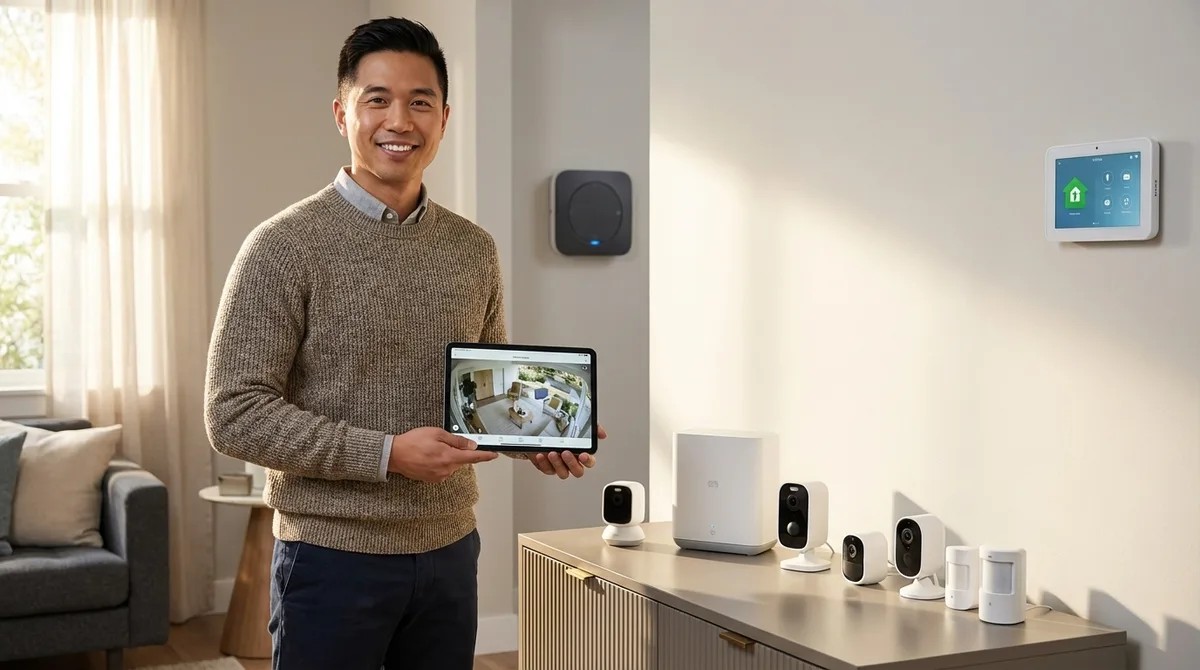
That $20 monthly monitoring fee adds up to $2,400 over a decade—money you're spending on top of hardware you already own. In this episode, Marcus Chen breaks down how modern subscription-free security systems actually work, from the protocols that keep everything running locally to the storage architectures that determine whether you'll have footage when you need it most. Whether you're building a new system or escaping the subscription trap, this guide covers the technical realities of going fee-free without sacrificing features like person detection, facial recognition, or reliable alerts. Modern subscription-free systems in 2026 support advanced features like person detection, facial recognition, and activity zones—all processed locally on the device or hub rather than in the cloud. Protocol choice directly impacts reliability: Zigbee and Z-Wave sensors trigger cameras in 200–500 milliseconds and work without internet, while many Wi-Fi cameras require connectivity even for local recording. Storage math matters more than you think—a 1080p camera recording continuously burns through 60–80GB daily, meaning a 256GB card gives you only 3–4 days before footage starts overwriting. Three storage models exist (per-device SD cards, centralized hub storage, and NAS integration), each with distinct failure modes that could cost you critical evidence if you don't plan accordingly. Getting alerts without subscriptions requires understanding your options: local push notifications work on home Wi-Fi, but remote access demands either port forwarding (risky if misconfigured), VPN setup, or manufacturer P2P connections. Thread-based sensors deliver sub-200 millisecond latency in optimized networks, making them the best choice for time-sensitive automations like triggering lights and recording simultaneously. Read the full article: https://mysmarthomesetup.com/complete-guide-to-subscription-free-security-systems
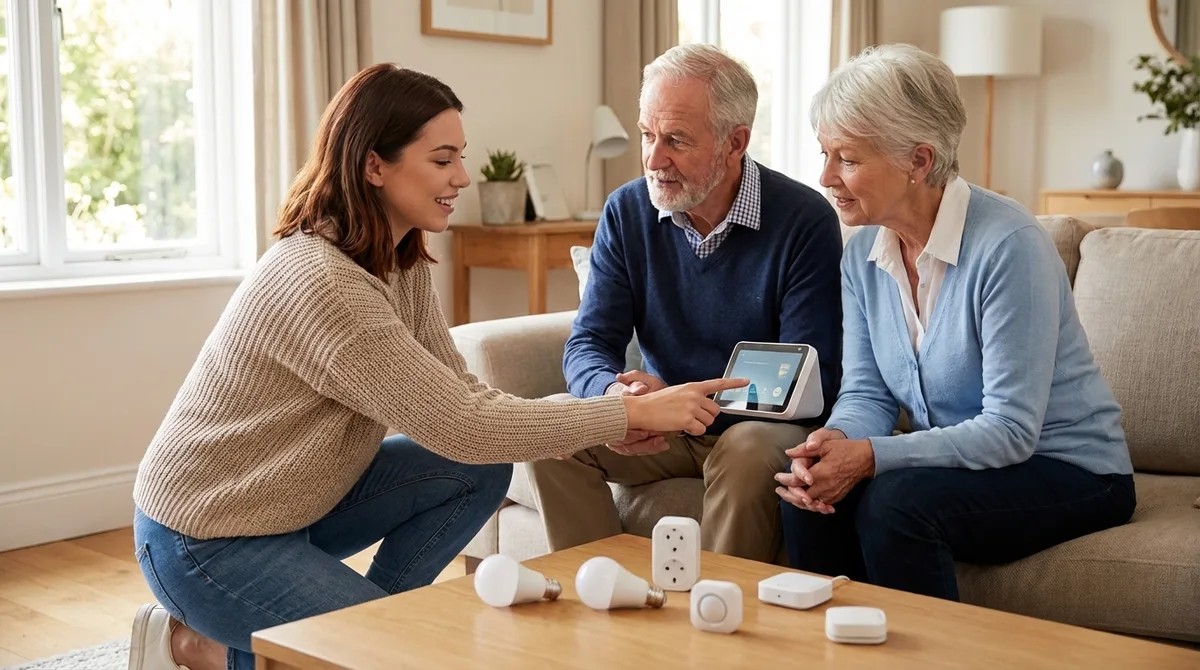
How to Set Up a Senior-Friendly Smart Home System Step by Step
Most smart home guides assume elderly parents will happily troubleshoot cloud outages and navigate confusing smartphone apps—but that's not reality. In this episode, Chelsea Miller shares her hard-won experience building privacy-first smart home systems for three aging family members, including her 82-year-old grandmother who now controls her entire house without ever touching a phone. You'll learn exactly which protocols, hubs, and devices deliver genuine reliability for seniors, how to eliminate frustrating delays and cloud dependencies, and how to build automations that keep working even when the internet goes down. Local-first protocols like Zigbee, Z-Wave, and Matter 1.4 are essential for senior smart homes because they keep automations running during internet outages—critical for safety features like nighttime bathroom lighting. Hub selection dramatically impacts privacy: Home Assistant Yellow sent zero unauthorized packets during a 72-hour test, while SmartThings sent 847 packets to AWS and Google Home sent over 1,200 daily packets to advertising infrastructure. For reliable voice control, aim for under two-second response times by choosing local processing hubs—Hubitat Elevation achieves 300-500 millisecond latency, while cloud-dependent automations can take two to four seconds. A complete three-bedroom senior smart home setup costs $800-$1,500 and requires 8-12 hours spread across two to three days, with an intermediate skill level and basic networking knowledge. Z-Wave remains the most reliable protocol for door locks, while Zigbee excels for motion sensors—no single hub perfectly supports every protocol, so plan for both. Always monitor your hub's network traffic for 24 hours after setup using tools like Wireshark or GlassWire, and block unexpected outbound connections at your router to maintain privacy. Read the full article: https://mysmarthomesetup.com/how-to-set-up-a-senior-friendly-smart-home-system-step-by-step