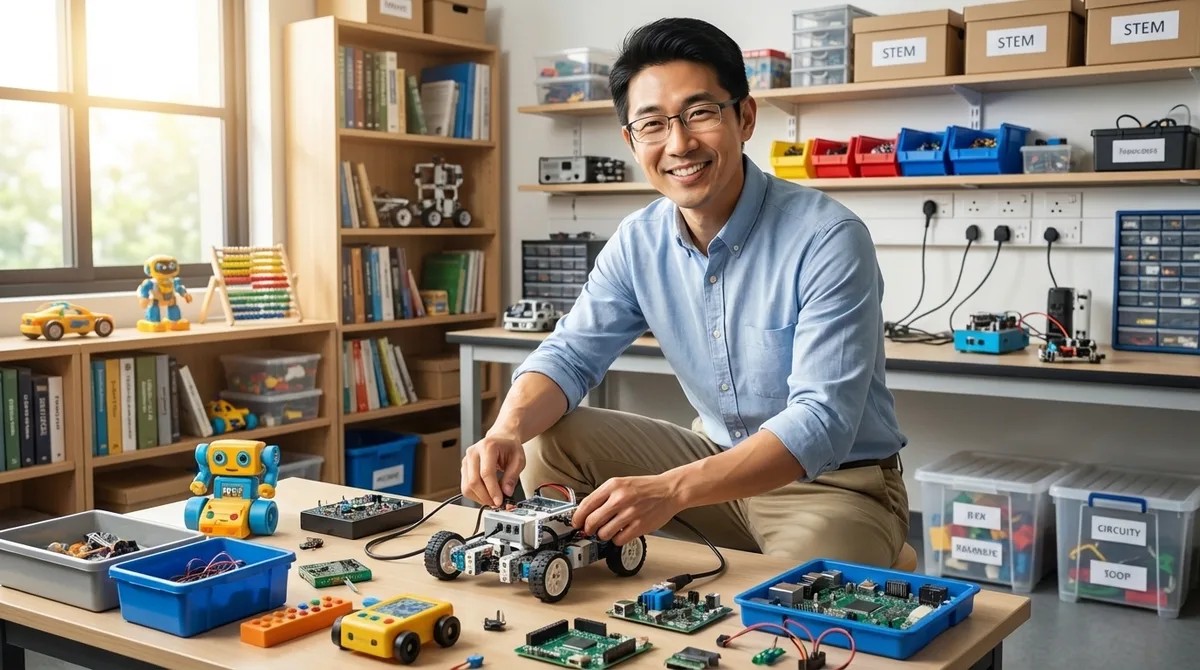
STEM Toy Lab Setup Checklist: Power, Space, and Compatibility Requirements by Age Group
The STEM Lab · The Stem Lab
Audio is streamed directly from the publisher (content.rss.com) as published in their RSS feed. Play Podcasts does not host this file. Rights-holders can request removal through the copyright & takedown page.
Show Notes
Before you spend hundreds of dollars on STEM toys that end up collecting dust, there's a critical step most parents skip: planning the actual infrastructure. In this episode, Kazuki Tanaka—who has built twelve dedicated home STEM labs across three states—walks through the power, space, lighting, and compatibility requirements that determine whether your investment builds real skills or just creates clutter. Whether you're setting up a screen-free coding corner for a preschooler or a full computational thinking lab for a ten-year-old, these age-specific checklists will save you from the most common (and expensive) setup mistakes.
- For ages 3–6, stick with battery-operated devices using standard AA or AAA batteries rather than proprietary button cells—you'll spend less on replacements and avoid the extension cord tangles that derail early learning setups.
- Young learners need a minimum 24" x 36" flat surface and open storage bins within 30 inches of floor level; tall shelving and closed cabinets kill engagement because they require adult intervention for every activity.
- Lighting matters more than most parents realize—adding 500–750 lux task lighting (like under-cabinet LED strips) can dramatically reduce frustration with color-coded components and small directional arrows.
- Once kids hit ages 7–10 and you're adding coding robots, tablets, and potentially 3D printers, you need two dedicated 15-amp circuits on separate breakers to avoid tripping breakers mid-project.
- A USB charging station with at least 6 ports and 60 watts total output (with USB-C Power Delivery) prevents the charging bottlenecks that come with managing multiple educational devices.
- Watch out for "screen-free" toys that actually require companion apps for setup—true screen-free operation means zero WiFi or Bluetooth dependencies, which matters for screen time management and uninterrupted learning during travel.
Read the full article: https://stemlabguide.com/stem-toy-lab-setup-checklist