How to Teach Kids 3D Design Skills with Tinkercad and Fusion 360
The STEM Lab · The Stem Lab
Audio is streamed directly from the publisher (content.rss.com) as published in their RSS feed. Play Podcasts does not host this file. Rights-holders can request removal through the copyright & takedown page.
Show Notes
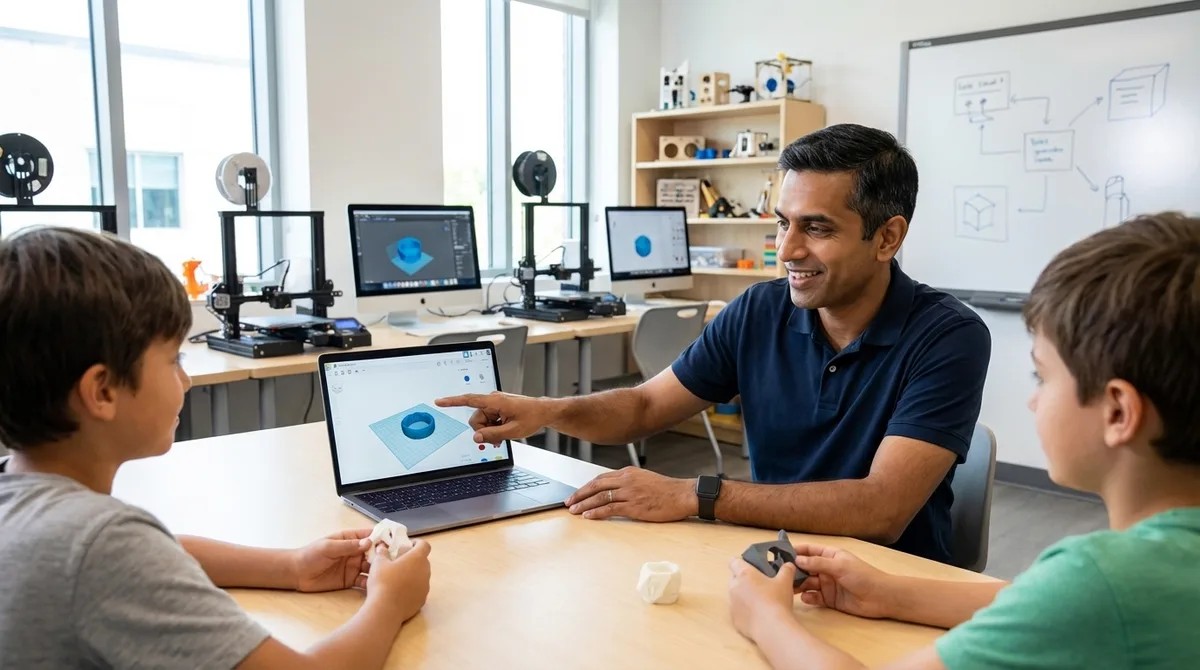
Your kid already thinks in 3D every time they play Minecraft or Roblox—so why not channel that spatial intuition into real engineering skills? This episode walks you through a structured 12-to-16-week curriculum that takes children from dragging shapes in a browser to building dimensionally accurate, manufacturable models in industry-standard CAD software. Whether you're a parent, educator, or makerspace leader, you'll learn exactly how to progress learners from Tinkercad's accessible block modeling to Fusion 360's parametric workflows—the same tools used in professional product design.
- Before opening any software, have kids sketch orthographic projections of physical objects with measurements—this 30-minute exercise reveals whether they're ready for CAD and prevents weeks of frustration later.
- Tinkercad's lack of parametric history is actually a useful teaching tool; the frustration of manually updating every dimension motivates learners to embrace Fusion 360's timeline-based approach.
- Hardware matters more than you might think: a three-button mouse is essential for parametric modeling, and 16GB of RAM significantly improves the Fusion 360 experience.
- Start Tinkercad sessions by ignoring the built-in tutorials, which emphasize artistic expression over engineering discipline—instead, begin with a precise 20mm calibration cube to establish that every dimension should be intentional.
- Building a reference library of five measured objects using digital calipers creates ready-made validation exercises for later, mirroring real reverse-engineering workflows in product design careers.
- Fusion 360's core advantage comes down to one feature: edit any step in the parametric timeline and watch downstream operations update automatically, eliminating the manual propagation headaches of simpler tools.
Read the full article: https://stemlabguide.com/how-to-teach-kids-3d-design-skills-with-tinkercad-and-fusion-360