Smart Home Energy Management System Setup Checklist: Devices, Hubs, and Automations
The Smart Home Setup Podcast · My Smart Home Setup
Audio is streamed directly from the publisher (content.rss.com) as published in their RSS feed. Play Podcasts does not host this file. Rights-holders can request removal through the copyright & takedown page.
Show Notes
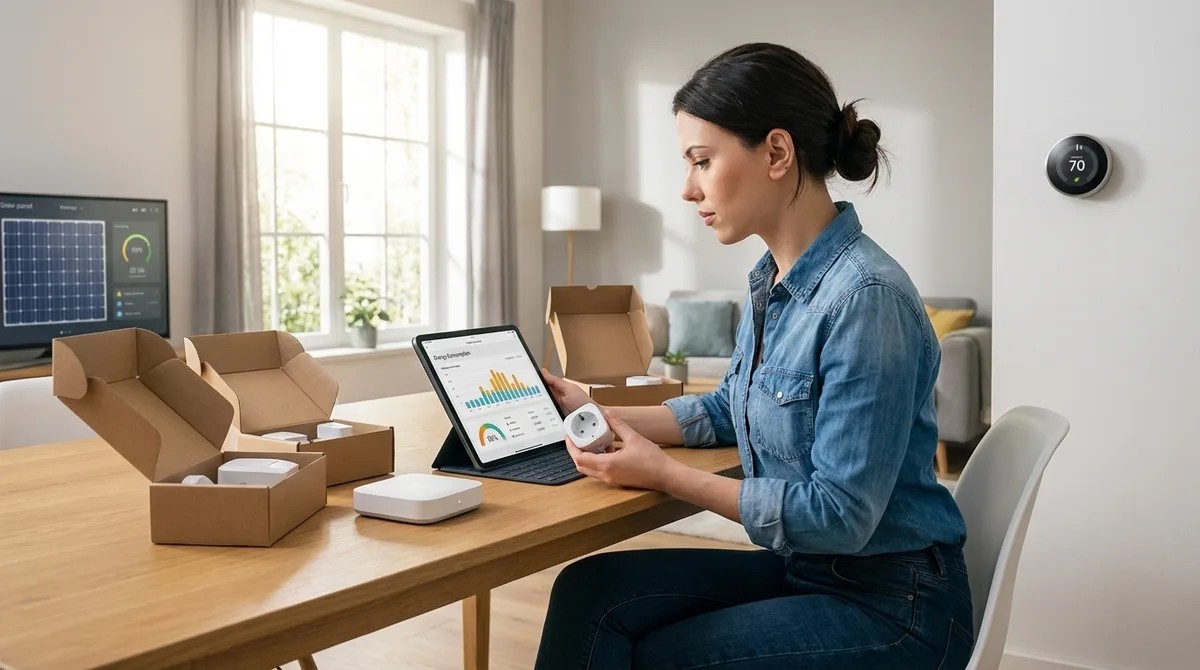
Ever wonder why your "smart" thermostat needs to phone home every six minutes? In this episode, Chelsea Miller breaks down how to build a complete smart home energy management system that actually respects your privacy while cutting your power bill. After discovering her own devices were uploading granular occupancy data to cloud servers, she rebuilt her entire infrastructure around local control—and shares exactly which hardware, protocols, and automations work without external dependencies. If you're serious about energy efficiency but refuse to hand your usage patterns to data brokers, this checklist is your starting point.
- The Emporia Vue 2 measures 16 circuits with one-second sampling intervals, but you'll need to firewall its MAC address to prevent cloud sync—it attempts to phone home regardless of your settings.
- Avoid Samsung SmartThings V3 for energy management—it requires cloud authentication even for local Zigbee automations, making true offline operation impossible.
- The Venstar ColorTouch T7900 thermostat offers 100% local control via REST API with no cloud account required, unlike Ecobee and Nest which validate tokens through external servers even for local network commands.
- Zigbee plugs outperform Z-Wave for energy monitoring due to 50–150ms less latency, and Wi-Fi plugs should be avoided entirely since they constantly phone home and typically require manufacturer accounts.
- A UPS for your hub isn't optional—without power backup, all automations cease during outages and devices either revert to last state or lose connection entirely, leaving you blind to energy events when they matter most.
- Network isolation is critical: supposedly "offline" smart plugs have been caught attempting DNS lookups to advertising trackers even without companion apps installed, so run IoT devices on a segregated VLAN with no internet access.
Read the full article: https://mysmarthomesetup.com/smart-home-energy-management-system-setup-checklist