How to Set Up Dynamic Load Balancing for Smart Home Energy Management
The Smart Home Setup Podcast · My Smart Home Setup
Audio is streamed directly from the publisher (content.rss.com) as published in their RSS feed. Play Podcasts does not host this file. Rights-holders can request removal through the copyright & takedown page.
Show Notes
Ever had your circuit breaker trip mid-laundry because someone plugged in a space heater? In this episode, Marcus Chen explains how your smart home can automatically prevent electrical overloads by shifting power away from less critical devices before you hit capacity limits. This guide is for intermediate smart home enthusiasts ready to tackle conditional automation logic, covering the specific hardware, protocols, and setup steps needed to implement dynamic load balancing that reduces energy bills and eliminates frustrating breaker trips.
- Cloud-only energy monitors add 2–5 seconds of latency, which completely breaks load balancing—you need local API integration with 1–2 second update rates maximum for the system to react before breakers trip.
- Zigbee 3.0 and Matter over Thread smart plugs respond in 200–800 milliseconds, while typical Wi-Fi plugs add 1–3 seconds of delay, making protocol choice critical for effective load shedding.
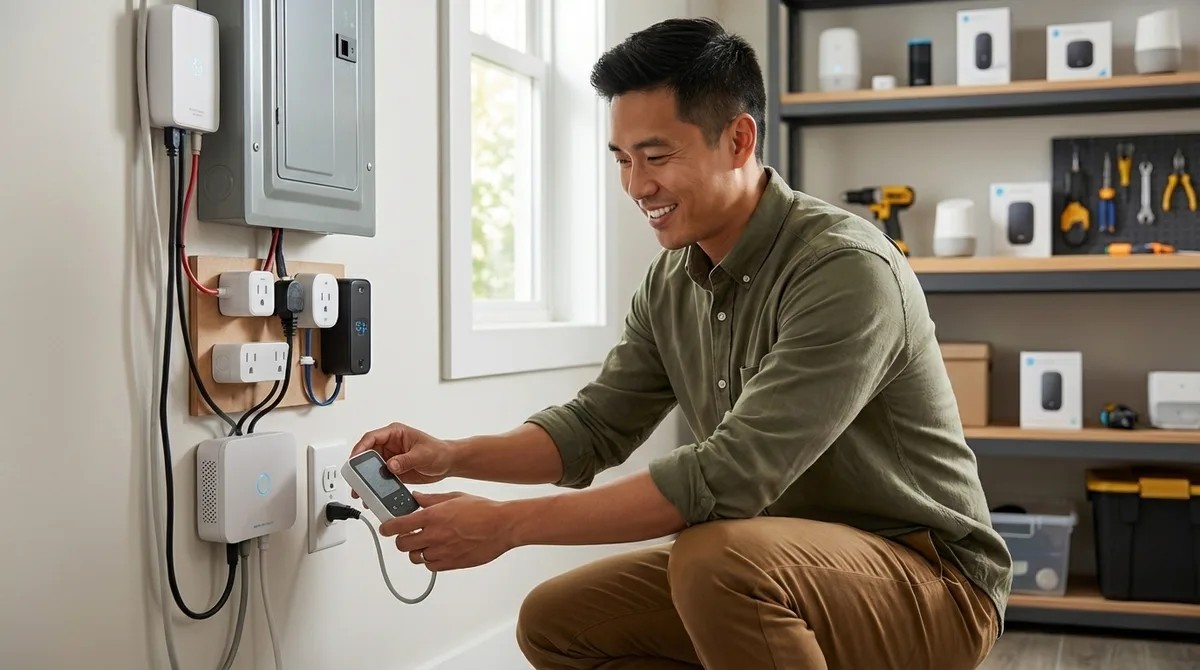
- When installing current transformer clamps on your main panel feeds, the arrow direction matters—pointing the wrong way gives negative or inaccurate wattage readings that throw off your entire system.
- Space heaters (1,500W each), dehumidifiers (400–700W), and phone chargers make ideal shedding loads because they tolerate brief interruptions, while some appliances should never be automatically cut.
- The full setup requires 4–6 hours initially plus 2–3 hours for testing, and you'll need to know your panel's amperage rating (typically 100, 150, or 200 amps) and which circuits serve high-draw appliances.
- Local control capability across all devices is non-negotiable—internet outages cannot be allowed to disable your load balancing protection.
Read the full article: https://mysmarthomesetup.com/how-to-set-up-dynamic-load-balancing-for-smart-home-energy-management