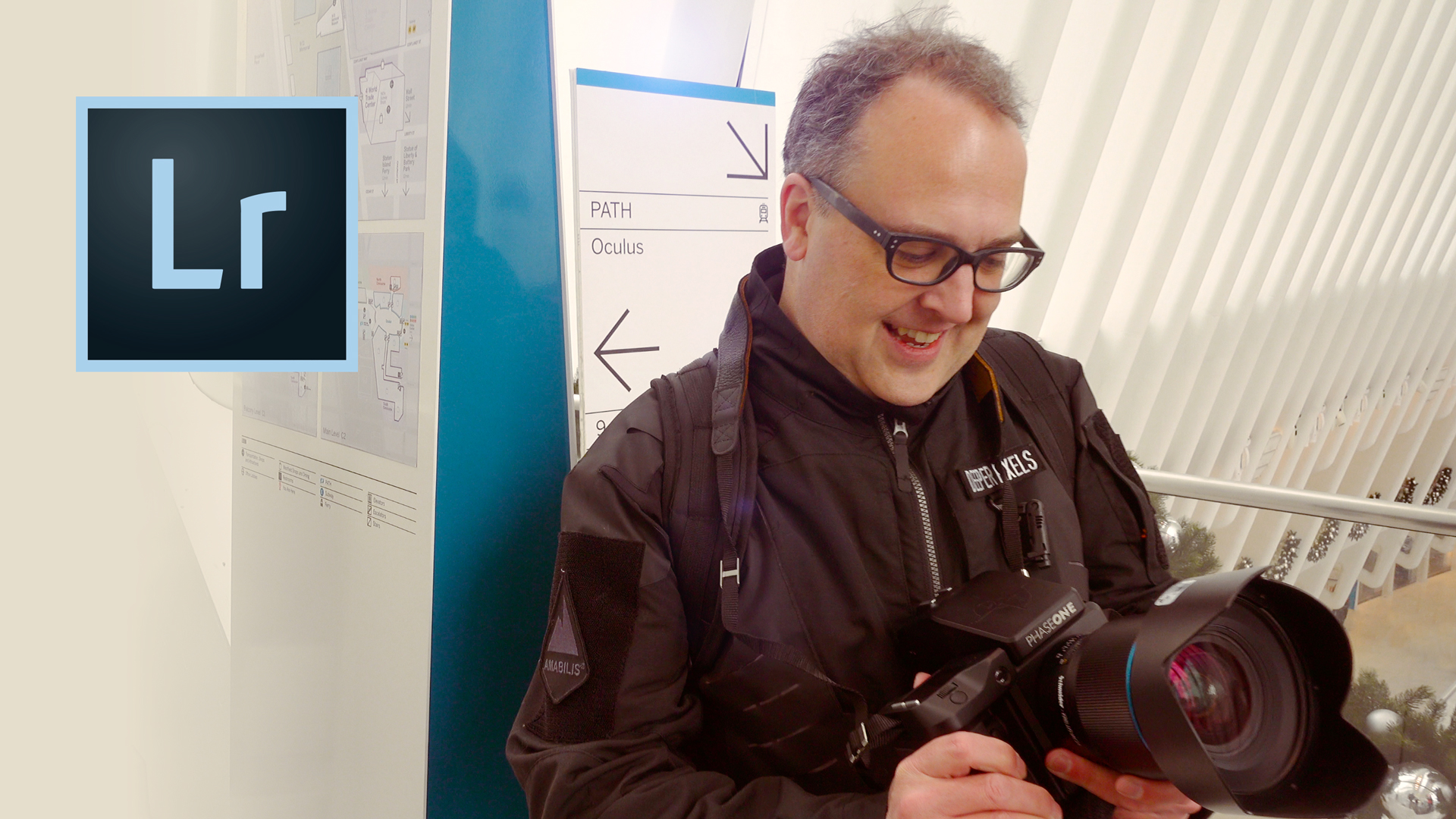
The ONE best use for Lightroom when traveling
One of my favorite tricks is to use Lightroom Mobile Sync to get all of my RAW files and edits back on to my desktop computer and into my image archive when I return to the studio.
April 16, 2018
Audio is streamed directly from the publisher (podtrac.com) as published in their RSS feed. Play Podcasts does not host this file. Rights-holders can request removal through the copyright & takedown page.
Show Notes
Adobe Lightroom Mobile is great at letting you take better photos while traveling. One of my favorite tricks is to use Lightroom Mobile Sync to get all of my RAW files and edits back on to my desktop computer and into my image archive when I return to the studio. In this photo editing tutorial I'll show you how to edit photos in Lightroom Mobile on the go and how to seamlessly move transfer them through the cloud to Adobe Lightroom on my desktop computer. This is one of my favorite tips for how to edit travel photos while on the road.
This video is sponsored by Squarespace
For a free trail and 10% off your first order, visit http://squarespace.com and use offer code AOP on checkout
Art of Photography Shirts: https://aop.threadless.com
Music from Epidemic Sound: https://goo.gl/v5wWKr
Topics
photographyphotographersphotography videosphotographer documentarythe art of photographyphotography tutorialsphotography podcastted forbes