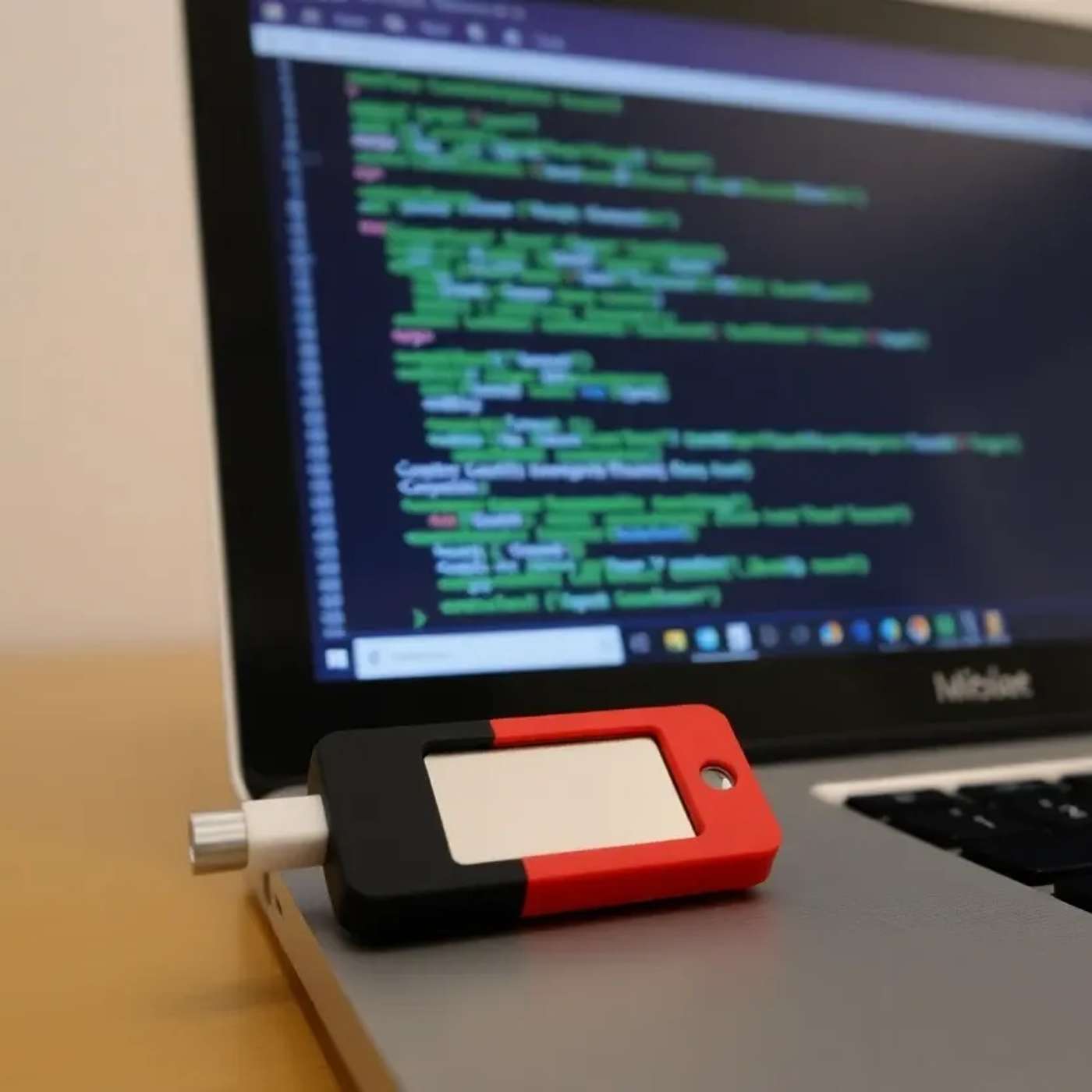
How to Access Your YubiKey in Go on Windows
Programming Tech Brief By HackerNoon
Audio is streamed directly from the publisher (media.transistor.fm) as published in their RSS feed. Play Podcasts does not host this file. Rights-holders can request removal through the copyright & takedown page.
Show Notes
This story was originally published on HackerNoon at: https://hackernoon.com/how-to-access-your-yubikey-in-go-on-windows.
Learn how to access a YubiKey in Go on Windows, read PIV certificates, and sign data securely using piv-go and native WinSCard APIs.
Check more stories related to programming at: https://hackernoon.com/c/programming.
You can also check exclusive content about #golang-security, #yubikey-go-integration, #yubikey-piv-go, #piv-go-windows, #hardware-security-keys-go, #go-smart-card-windows, #yubikey-signing-go, #secure-authentication-go, and more.
This story was written by: @@pheonix. Learn more about this writer by checking @@pheonix's about page,
and for more stories, please visit hackernoon.com.
Programmatic access lets you integrate YubiKeys directly into a Go application on Windows. On Windows, `piv.Cards()` uses the built-in WinSCard API to detect connected smart card devices.