Podcast Idiot
Learning to podcast from the very beginning
Kevin Bae · Hapa Media, LLC
Show overview
Podcast Idiot has been publishing since 2021, and across the 5 years since has built a catalogue of 23 episodes. That works out to roughly 7 hours of audio in total. Releases follow a roughly quarterly cadence.
Episodes typically run ten to twenty minutes — most land between 7 min and 31 min — with run-times ranging widely across the catalogue. Roughly 22% of episodes carry an explicit flag from the publisher. It is catalogued as a EN-US-language Technology show.
The show is actively publishing — the most recent episode landed 2 months ago, with 4 episodes already out so far this year. The busiest year was 2021, with 13 episodes published. Published by Hapa Media, LLC.
From the publisher
A show about messing around with podcasting and podcasting technology
Latest Episodes
View all 23 episodesEpisode 21 – Podcast Idiot Playout and Workflow Update
Episode 20 - Podcast tools complete!
Episode 19 - I built a podcast PWA player
Episode 18 - My Podcast RSS Feed Creator/Editor

Episode 17 - Livestream Test #4
On today's show I test out livestreaming again. This is for my music podcast called Sats and Sounds. I got it all working to be able to record but there was no audio coming from Curiocaster or The Split Kit. These are things to figure out in the coming weeks. But, at least the live stream worked in Podverse and it was streaming on the website at http://stream.satsandsounds.com.
Live streaming music show test 3
EThis is a test of putting on a live streaming music show with wallet switching from The Split Kit. Here are some links to apps where you can see this happen in real-time. The Split Kit CurioCaster Podcast Guru To listen to my music podcast, Sats and Sounds, go to satsandsounds.com. Here's a direct link to the episode from this post. To listen to my music podcast, Sats and Sounds, go to satsandsounds.com. Here's a direct link to the episode from this post. This post is experiment number 3 in live streaming a music podcast using Value4Value and valueTimeSplits. I'd like to know how to do a live streaming music show. My music podcast Sats and Sounds would be more fun to do and more interesting if I could figure out how to stream it live while incorporating the valueTimeSplits. For those who don't know valueTimeSplit (VTS) is the magic tag in Podcasting 2.0 that makes the Magic Wallet Switching Technology in new podcast apps possible. When VTS is employed and a Value4Value enabled song is played the satoshis being sent to the podcast automatically switch to the music artist during the duration of the song. This is enabled by modern podcast apps. I do this already in my Sats and Sounds music podcast. Get a modern podcast app, load up your wallet, and check it out. But, doing it live is more complex and I have a hard time visualizing how it works. I was able to figure out streaming using Icecast. Now I need to figure out how to combine the two.

Producing my music podcast - Sats and Sounds
EMy music experiment finally worked and I've been producing a music podcast since August. I called the podcast Sats and Sounds and it is just one of many music podcasts that have popped up since Adam Curry started Boostagram Ball and Podcasting 2.0 created the valueTimeSplit tag which enabled "Magic Wallet Switching Technology". I saw a couple videos on how other people produce their shows so I thought I'd take a crack at showing my process. I use simple cheap tools that do the job to my satisfaction. Admittedly I have a low bar when it comes to quality of production because I mainly podcast to understand how it works. I try to use tools and software that are cheap, free, or I already posses. I also record live to bits because if I had to fully produce and edit I'd never make a single episode of anything. It's bad enough the other podcasts I do become intermittent because of the time it takes to create something. The video below shows all the tools I use and the production of Episode 14 of Sats and Sounds. You can also listen to the audio only version using your favorite podcast app. Just search for Podcast Idiot or click the RSS feed link above. Here are links to the tools I use. Audacity Manycam PlayIt Cartwall WinSCP Sovereign Feeds The Split Kit PodcastIndex.org Zoom Podtrak P4 Rode Podmic Sony MDR7506 Headphones To listen to my music podcast, Sats and Sounds, go to satsandsounds.com. Here's a direct link to the episode from this post.
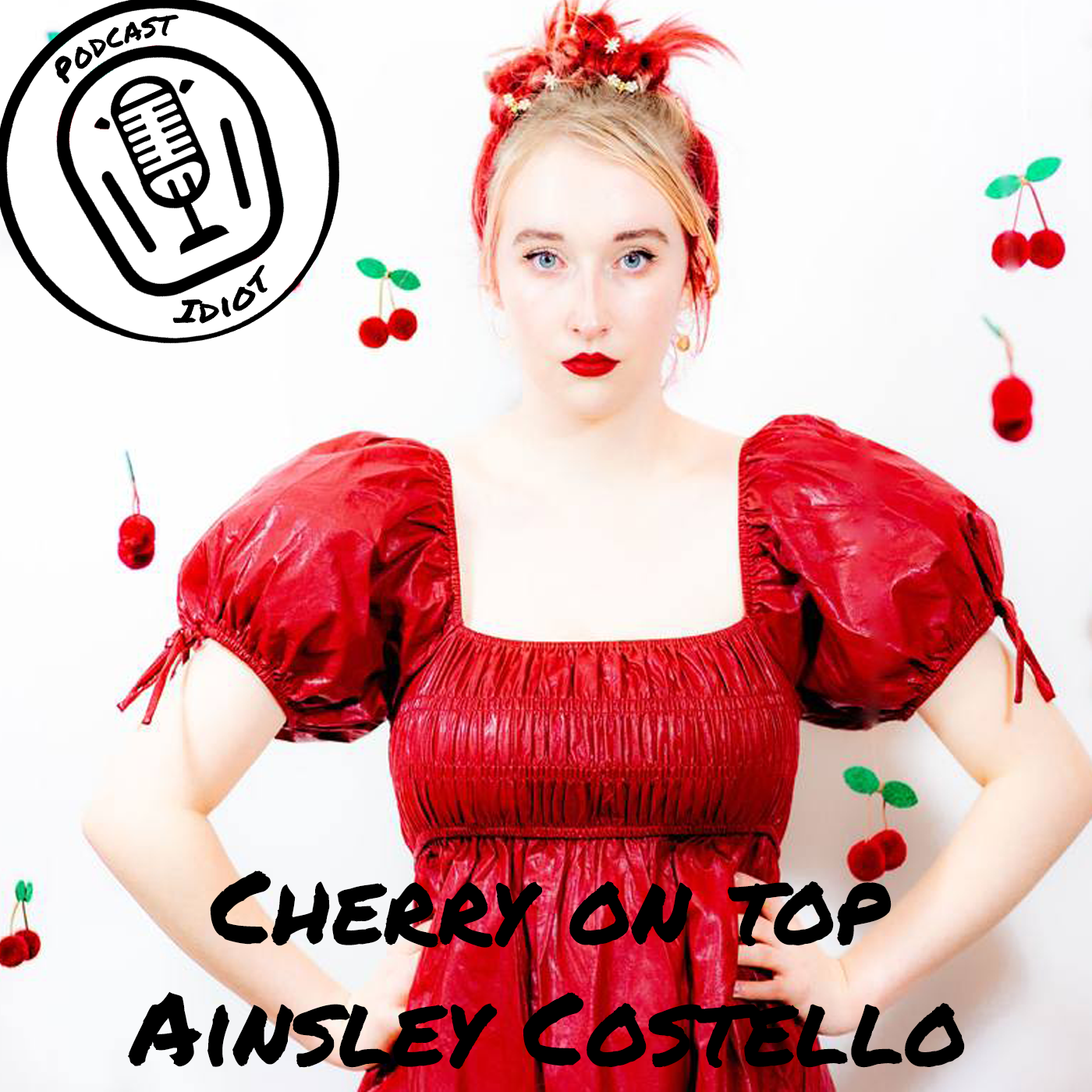
Cherry On Top - Ainsley Costello - Music Experiment Part 2
Let's see if I can get it right this time. The last time out I think I published my RSS feed with a mistake in the song's GUID. This time out, using Podcasting 2.0's last episode's RSS feed as a guide, I confirmed which GUIDs to use. So before I hit Podping to publish my feed I will make sure everything in the remoteItem and valueTimeSplit tags are correct. The song I chose is titled "Cherry On Top" by Ainsley Costello. It's a rockin' little pop tune by a 19 year old girl in Nashville. https://youtu.be/bdMQGXGIUmM In preparation for posting this episode I searched this track on Podcast Index. Here is that listing. https://podcastindex.org/podcast/6471422. Clicking on the RSS link in the listing takes you to this feed on Wavlake. https://www.wavlake.com/feed/d0efe4fb-714e-4ea1-a6b4-422842262cf2. Examining the feed you can see the podcast GUID is b55c93d2-4571-55fd-9562-7966beaa7ea2. You can find that by looking for the <podcast:guid> tag. The item GUID is 729ff127-1fcc-4086-8e67-4386e87ac585. The item GUID is not so intuitive. There is a string in the URL that looks like a GUID. And maybe it is for Wavlake's purposes. But it's not the GUID needed for the remoteItem tag. At least that's what I gather looking at Podcasting 2.0's RSS feed. The GUID needed for remoteItem is directly under the <link> tag in the item. In this case, for the track I'm playing here the link tag looks like this: <link>https://www.wavlake.com/album/d0efe4fb-714e-4ea1-a6b4-422842262cf2</link> That string at the end is not the GUID. Here is the line directly underneath. <guid isPermaLink="false">729ff127-1fcc-4086-8e67-4386e87ac585</guid> This should be the proper GUID. If I've done this correctly this time around when the song starts playing the album art should change to the proper art and any sats streamed or boosted should go directly to the artist. Let me know if anyone gives this a try. I'd like to know if I finally got it right. As a precaution, I will also include this artist in my episode's value block.

The Underclass - Longy - Music Experiment
EOn the Podcasting 2.0 podcast they've been playing music regularly to promote the idea of Value4Value streaming payments to music artists. I see this as a first step to really opening up all entertainment to Value4Value. Anyone with a Lightning Network Node ID and an RSS feed can have their entertainment streamed, viewed, or listened to and get paid directly from the consumer as it happens. I find this stuff fascinating. All this happens because of the valueTimeSplit and remoteItem tags. If the music has an RSS feed using these tags allows a podcaster to put in the Globally Unique Identifier (GUID) of the music's feed and the GUID of the item (the individual track) so the value block automatically changes and the artist gets paid. When the song is done the value block switches back to the podcaster's value block. I wanted to see how easy it is to do this myself. I found a track on Wavlake that I like. It's called The Underclass by Longy. Adam and Dave on Podcasting 2.0 put their songs in a live stream when they podcast. I can't do that and I think most podcasters would put music in after the fact or while they record. So that's what I did. Here is a short podcast experiment. Please listen using Podfriend or Curiocaster. They're the only apps I know of that support valueTimeSplit tag.
Back in the podcast saddle
I guess I'm podcasting again. This time I'm a little more independent because I want to see how Sovereign Feeds work and I feel more comfortable with an XML file for my feed rather than one that is autogenerated at a directory. It's definitely not as easy as PowerPress but it's more complete and flexible when working with Podcasting 2.0 standards and tags. In this episode I talk about the new podcast I created and give an overview of what I've done so far. I plan on giving regular updates here on the nuts and bolts progress of that podcast.
Ep 12To headphone or not to headphone
EI record an episode without headphones to see if I sound different.
Ep 11Podcasting on the go – aka my epic fail
EI tried to podcast while traveling and failed miserably.

Ep 10Still muddling through
Episode 10! I discuss what I've done over the past month. Go over the Chasing the Yield & That's All I Got podcasts. Discuss workflow, wordpress, and thought process.
Ep 9Transcripts & Chapters
An overview of how I implement transcripts and chapters.

Ep 8Success to Launch
I finally go into my podcasting equipment, how I host the files, and why I do it the way I do. I also discuss the other podcasts I launched.

I have chapters!
I implemented chapters for the podcast and briefly talk about the process.

Ep 6Talking is hard
I'm not used to podcasting and as such I find it difficult to organize my thoughts when recording.
Ep. 5 RSS Limbo
I covered a lot of this ground on the last episode but it wasn't fully resolved so I'm going over it a little again. The RSS feed fiasco I had moving from Castopod to Blubrry PowerPress through me for a loop. I didn't think it would be that hard to fix. But, it's fixed now so hopefully the indexes will also be fixed in the coming days.
RSS Hell
I wanted to move off Castopod and ended up in RSS hell. The where the domain was pointing and subsequently where the feed points got all screwed up!
Adding a soundboard
I add a soundboard to the mix and get the intro music loaded into the Podtrak