
Naomi Brockwell on Odysee
60 episodes — Page 2 of 2
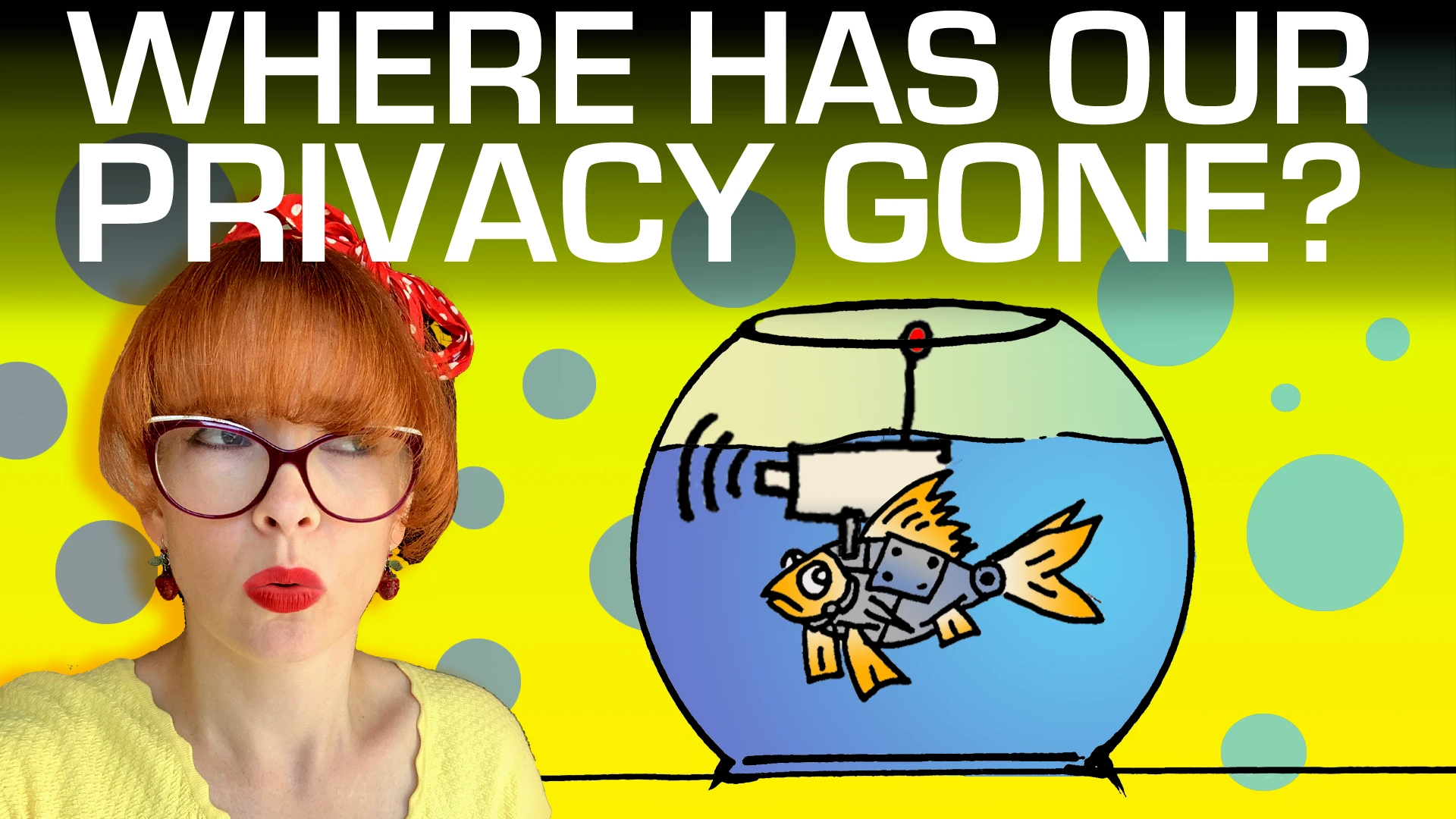
Surveillance: The New Normal
What do Fish and Privacy have in common? This video will explain. Our expectations of privacy have shifted dramatically in the past few decades. What was once considered outrageous overreach has become normal, and we've lost sight of what a healthy amount of privacy even looks like. It's called shifting-baseline syndrome, first coined in relation to fish populations. This video is based on a fantastic essay by Bruce Schneier and Barath Raghavan: We take stock of how privacy expectations have changed, and think about whether this is really the future we want to be moving towards.00:00 Privacy is Like Fish - Huh?00:38 Our Perception of Privacy04:35 Fish???05:55 Shifting Baselines08:37 Is This the Future We Want?10:43 Privacy is Like My PlantA huge thank you to Bruce Schneier and Barath Raghavan for letting us reproduce their ideas in video form. Original essay: https://spectrum.ieee.org/online-privacyBrought to you by NBTV team members: Lee Rennie, Cube Boy, Reuben Yap, Sam Ettaro, Will Sandoval and Naomi BrockwellTo support NBTV, visit:https://www.nbtv.media/support(tax-deductible in the US)Visit our shop!https://Shop.NBTV.mediaOur eBook "Beginner's Introduction To Privacy:https://amzn.to/3WDSfkuBeware of scammers, I will never give you a phone number or reach out to you with investment advice. I do not give investment advice.Watch this video on Odysee!
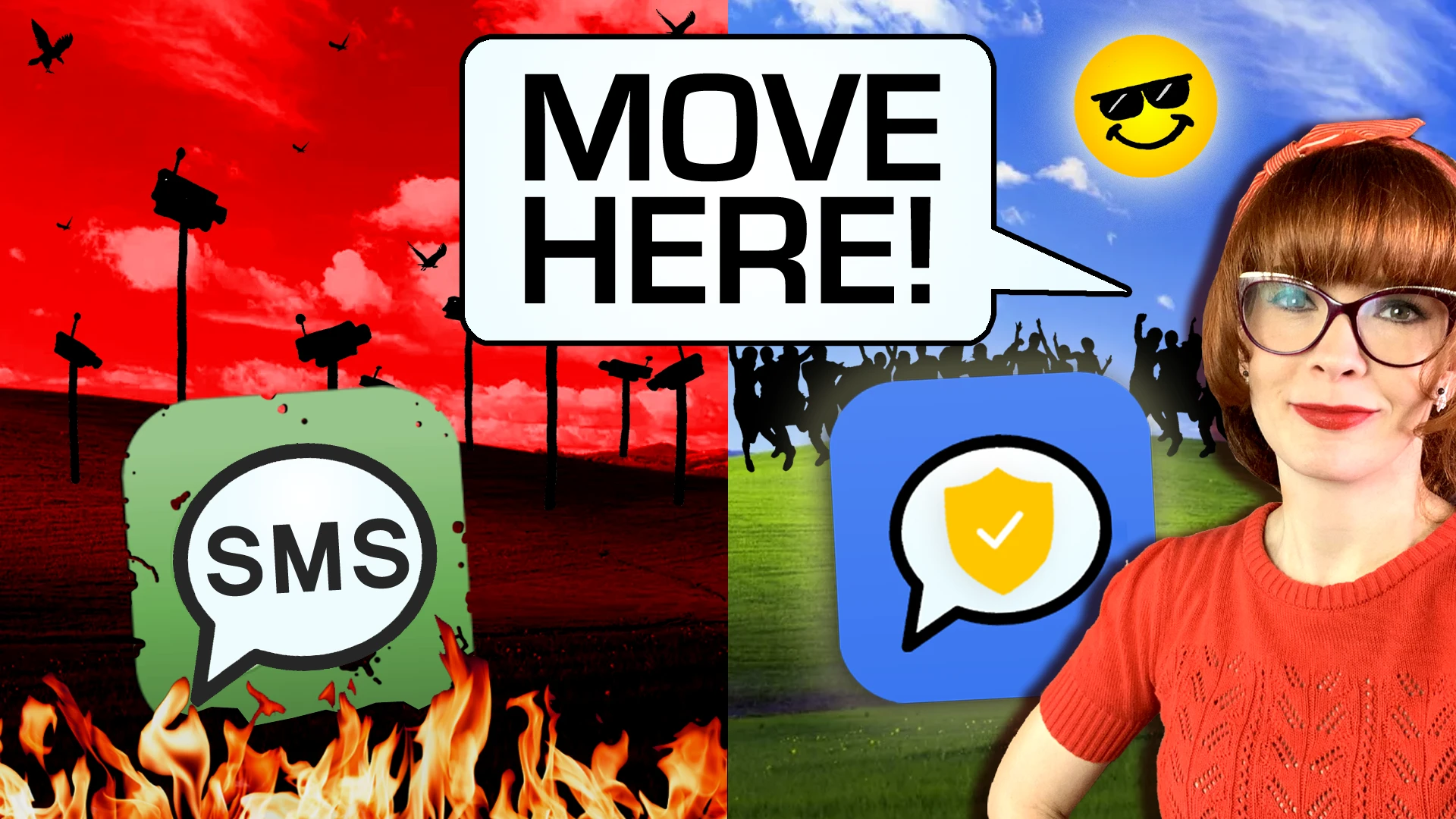
Ditch SMS! How to convince your friends
Most of our conversations are digital, and our privacy hinges on our ability to convince others to use a private messaging platform. Getting friends and family to switch isn't easy though!Here are some strategies you can try, ranging from educational methods, to downright sneakiness!00:00 We have all decided to never answer our phone again02:12 Its Easy02:47 Privacy Leaks04:29 Response Delay05:45 Missed Connection06:37 Daily Reward08:35 App-Switching Fatigue09:10 It’s Worth the EffortConvincing people to switch to a more private messaging app can be tough, but it’s definitely not something you should give up on. Persistence and patience are key. By encouraging better habits you really are making a more private world, starting in your own backyard.We got all our suggestions from Michael Bazzell's book, "Extreme Privacy": https://amzn.to/3BLZ1gqDigital version: https://inteltechniques.com/book7.html (non affiliate link)Brought to you by NBTV team members: Lee Rennie, Cube Boy, Reuben Yap, Sam Ettaro, Will Sandoval and Naomi BrockwellTo support NBTV, visit:https://www.nbtv.media/support(tax-deductible in the US)Visit our shop!https://Shop.NBTV.mediaOur eBook "Beginner's Introduction To Privacy:https://amzn.to/3WDSfkuBeware of scammers, I will never give you a phone number or reach out to you with investment advice. I do not give investment advice.Watch this video on YouTube (but why would you want to?!)https://youtu.be/s9Ux8DFgMSM
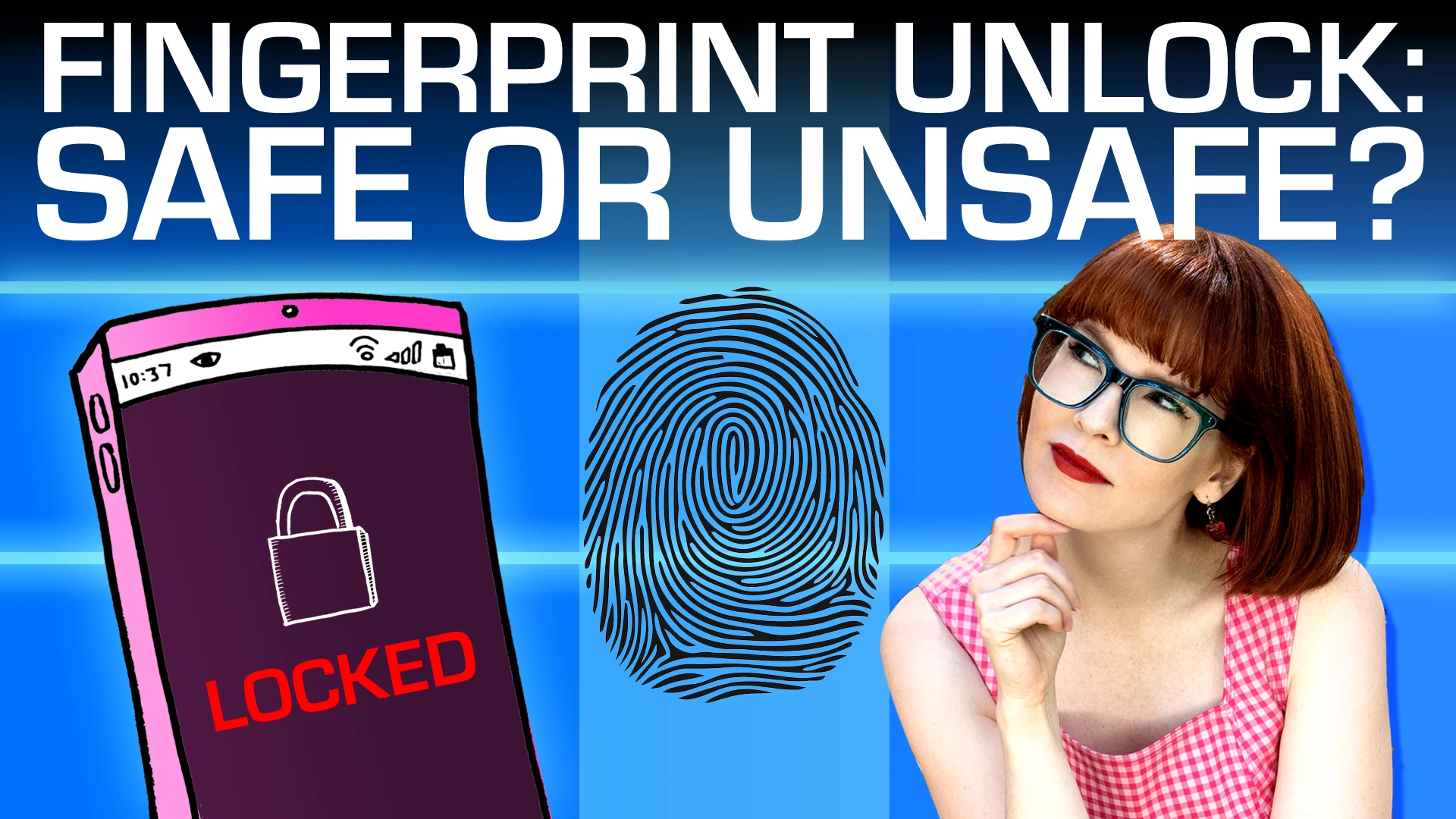
Should You Use Fingerprint Unlock?
Should you use fingerprint unlock on your device? The answer is not going to be the same for everyone. In this video, I look at the benefits and tradeoffs of using fingerprint readers, and try to compare the security of fingerprint unlock vs a pin or password. A major factor to consider is actually what kind of device you have. 00:00 You Asked, I Delivered!00:56 What is Fingerprint Unlock02:13 Should You Use Fingerprint Unlock03:15 Convenience Consideration04:18 Shoulder Surfing Protections04:49 Biometrics are Forever06:30 Brute Forcing12:07 Coercion14:40 SummaryFingerprints are more like usernames than passwords. They’re unique, static and identifiable as belonging to you. But Fingerprint security is also very convenient, and for many people shouldn’t be ruled out as an option. We are constantly unlocking our phones all through the day. So choose something that will be sustainable for you and is justified by your threat model, otherwise you might drive yourself insane. There is no perfect answer when it comes to phone security, so make a decision based on your unique context.Brought to you by NBTV team members: Lee Rennie, Cube Boy, Reuben Yap, Sam Ettaro, Will Sandoval and Naomi Brockwell.Thanks to the GrapheneOS team for always being super helpful!To support NBTV, visit:https://www.nbtv.media/support(tax-deductible in the US)Visit our shop!https://Shop.NBTV.mediaOur eBook "Beginner's Introduction To Privacy:https://amzn.to/3WDSfkuBeware of scammers, I will never give you a phone number or reach out to you with investment advice. I do not give investment advice.Watch this video on YouTube (but why would you want to?!)https://youtu.be/c0ZAPaRddfo
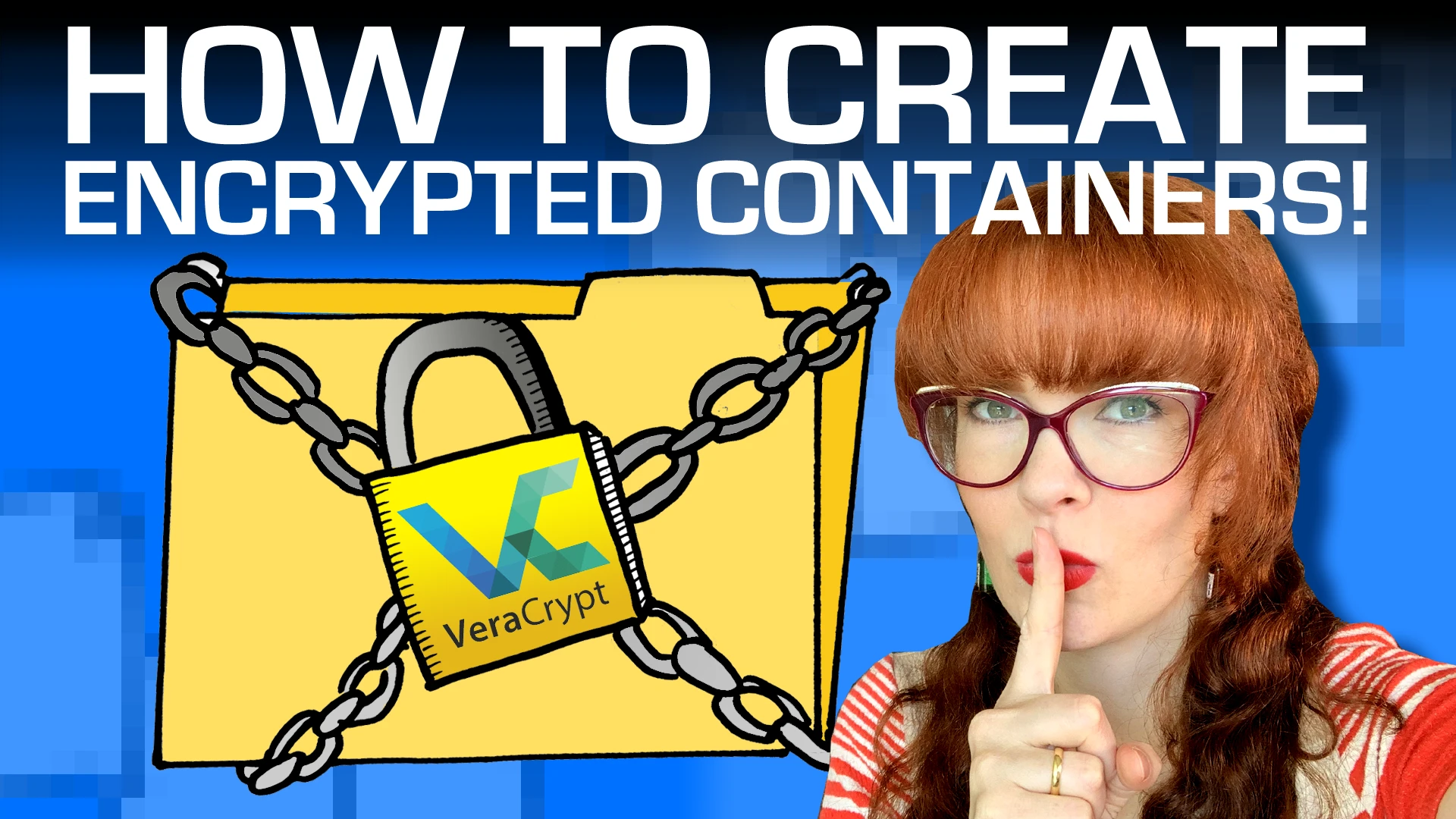
Secure Your Files with Encrypted Containers!
Our devices contain a treasure trove of private information. We have sensitive work documents, cherished family photos, archives of private communications. You can keep these digital files safe by using encrypted containers, which are secure digital vaults that will help keep your data private. In this video, we explain how use the free, open source encryption program VeraCrypt.00:00 Our Digital Files Are Precious03:29 VeraCrypt04:43 Mounting and Directories Explained06:11 Tutorial13:27 Benefits of VeraCryptOur personal data is the currency of the modern surveillance world. Locking away our personal files behind an encrypted barrier is not just a luxury - it’s a necessity.Brought to you by NBTV team members: Lee Rennie, Cube Boy, Reuben Yap, Sam Ettaro, Will Sandoval and Naomi BrockwellTo support NBTV, visit:https://www.nbtv.media/support(tax-deductible in the US)Visit our shop!https://Shop.NBTV.mediaOur eBook "Beginner's Introduction To Privacy:https://amzn.to/3WDSfkuBeware of scammers, I will never give you a phone number or reach out to you with investment advice. I do not give investment advice.Watch this video on YouTube (but why would you want to?!)https://youtu.be/xILGdtI9NPo
Your Phone Contacts AREN'T Private
The humble Contact List in our phone is a goldmine of data. Each contact is filled with the personal information like names, numbers, email addresses, home addresses, birthdays, work details and social media information. It’s the kind of information that data brokers salivate over because it allows unprecedented insight into consumer behavior, political leanings, and even potential vulnerabilities that could be exploited. The worst thing is, it's not even your information that's being taken -- When we don't protect our contacts list, it's the information that OTHERS have entrusted to us that we're sharing. In this video I talk about Contact Lists, why you might not want to store them in your phone or share them with other apps on your device, and finally I’ll talk about more private ways to store them.00:00 Your Phone Compromises Your Contacts00:28 Overview00:39 Why Contacts Lists Are Important01:51 Who Sees Our Contact List05:37 Private Ways To Store Contacts06:23 Reviewing App Permissions06:57 Third Party Contact Apps07:53 Encrypted Contact Storage08:43 Graphene: The Ultimate Solution09:57 It’s Time to Take Back Control!By disabling automatic cloud syncing, regularly reviewing and managing our apps’ contact permissions, and using privacy-focused apps and services, we can reduce the indiscriminate harvesting of our social graph. Our contacts deserve to be treated with the utmost care and respect.NOTE: In our video, we mention Simple Contacts Pro, but we have since learned that it has been acquired by ZipoApps, a company known for adding ads and tracking to apps. One of the developers forked the project, and the fork, “Fossify,” is an alternative that you can consider instead.https://github.com/FossifyOrg/ContactsBrought to you by NBTV team members: Lee Rennie, Cube Boy, Kieran Mesquita, Reuben Yap, Sam Ettaro, Will Sandoval and Naomi BrockwellWatch all of the tutorials in our Phone Privacy Playlist HERE: https://www.youtube.com/playlist?list=PLt3zZ-N423gXV-0pdxnRn-nw0WzVKh4NYTo support NBTV, visit:https://www.nbtv.media/support(tax-deductible in the US)Visit our shop!https://Shop.NBTV.mediaOur eBook "Beginner's Introduction To Privacy:https://amzn.to/3WDSfkuBeware of scammers, I will never give you a phone number or reach out to you with investment advice. I do not give investment advice.Watch this on YouTube (but why would you want to??)https://youtu.be/FloGxOlMSyI
They lied to you about car surveillance
We now know that the data collection in modern cars is out of control -- The question is, how does that data even leave your car? And what, if anything, can you do to stop it?That's what we cover in this video, Part 3 of our car privacy series: SIM cards, WiFi, and OBD ports. We also talk about how companies trick us into handing over our data, things that we can do to push back against this insane overreach that we’ve somehow normalized, and the giant legal loophole for cars that makes it super easy for law enforcement to collect your data without a warrant. 00:00 Your Car Saw What You Did in the Backseat!02:57 Don't plug in ANYTHING04:41 Satellite and Bluetooth05:47 WiFi06:29 SIM Cards08:22 Find out what's going on!11:10 Shady Tactics14:38 Challenging Data Overreach16:35 Car Warrant Loophole18:00 There is HopeThere currently are no easy fixes to the problem of car surveillance. Car manufacturers currently only see the opportunities that come from selling your data. Let’s make sure they also see the opportunity of offering privacy as a feature, by making our voice heard!Special Thanks to: Andrea, Woody, Sam, and David for sharing their expertise!Check out YOUR vehicle’s privacy report at: vehicleprivacyreport.comBrought to you by NBTV team members: Lee Rennie, Cube Boy, Reuben Yap, Sam Ettaro, Will Sandoval and Naomi BrockwellWatch Part 1 of our Car Privacy Series:https://www.youtube.com/watch?v=eIryvRwxp9AWatch Part 2 of our Car Privacy Series: https://www.youtube.com/watch?v=Ff9pmaSdZV8To support NBTV, visit:https://www.nbtv.media/support(tax-deductible in the US)Visit our shop!https://Shop.NBTV.mediaOur eBook "Beginner's Introduction To Privacy:https://amzn.to/3WDSfkuBeware of scammers, I will never give you a phone number or reach out to you with investment advice. I do not give investment advice.Watch this video on YouTube (but why would you want to?!)https://youtu.be/pA0zYTmi5ck

My FAVORITE Privacy Tool
A privacy screen is an ESSENTIAL privacy tool for every tool box.In this video I explain what a privacy screen is, how the technology works, how to apply one to your devices, and go over important tips -- especially if you have a fingerprint reader on your phone screen.00:00 A SPY’s favorite tool01:15 What is a Privacy Screen?03:11 How it Works04:31 Tutorial06:03 IMPORTANT TIPS: Fingerprint readers07:54 ConclusionA privacy screen is a simple, affordable way to better protect ourselves from shoulder surfers and would-be thieves. You never know who might be looking over your shoulder, so use a privacy screen to protect your sensitive and private information.Watch all of the tutorials in our Phone Privacy Playlist HERE:https://www.youtube.com/playlist?list=PLt3zZ-N423gXV-0pdxnRn-nw0WzVKh4NYBrought to you by NBTV team members: Lee Rennie, Cube Boy, Sam Ettaro, Will Sandoval and Naomi BrockwellTo support NBTV, visit https://www.nbtv.media/support(tax-deductible in the US)Visit our shop!https://Shop.NBTV.mediaOur eBook "Beginner's Introduction To Privacy:https://amzn.to/3WDSfkuBeware of scammers, I will never give you a phone number or reach out to you with investment advice. I do not give investment advice.

How To Silo Apps On A 2nd Profile
Did you know that apps on your phone can see which other apps you have installed? And that apps can talk to each other and share information, without you realizing? In this video we show you how to stop apps communicating with each other, and look at the scoped storage and sandboxing of apps in GrapheneOS, and what it does and doesn't protect against. 00:00 Apps Can Talk to Each Other02:18 Sandboxing and Using Scored Storage on GrapheneOS04:58 Secondary Profiles10:24 Google Play Services: How To Stop Their Tentacles12:10 Setting Up 2nd Profile Tutorial13:40 ConclusionSecondary profiles are a great privacy tool to add to your toolbox. It's super opaque what the apps on our phones are doing, and using something like GrapheneOS really helps you reclaim your privacy by default.Brought to you by NBTV team members: Lee Rennie, Cube Boy, Sam Ettaro, Will Sandoval and Naomi BrockwellWatch all of the tutorials in our Phone Privacy Playlist HERE:https://www.youtube.com/playlist?list=PLt3zZ-N423gXV-0pdxnRn-nw0WzVKh4NYTo support NBTV, visit https://www.nbtv.media/support(tax-deductible in the US)NBTV's new eBook out now!Beginner's Introduction To Privacy - https://amzn.to/3WDSfkuBeware of scammers, I will never give you a phone number or reach out to you with investment advice. I do not give investment advice.Visit the NBTV website:https://nbtv.mediaWatch this video on YouTube (but why would you want to?!)https://youtu.be/YB01HHFitFA
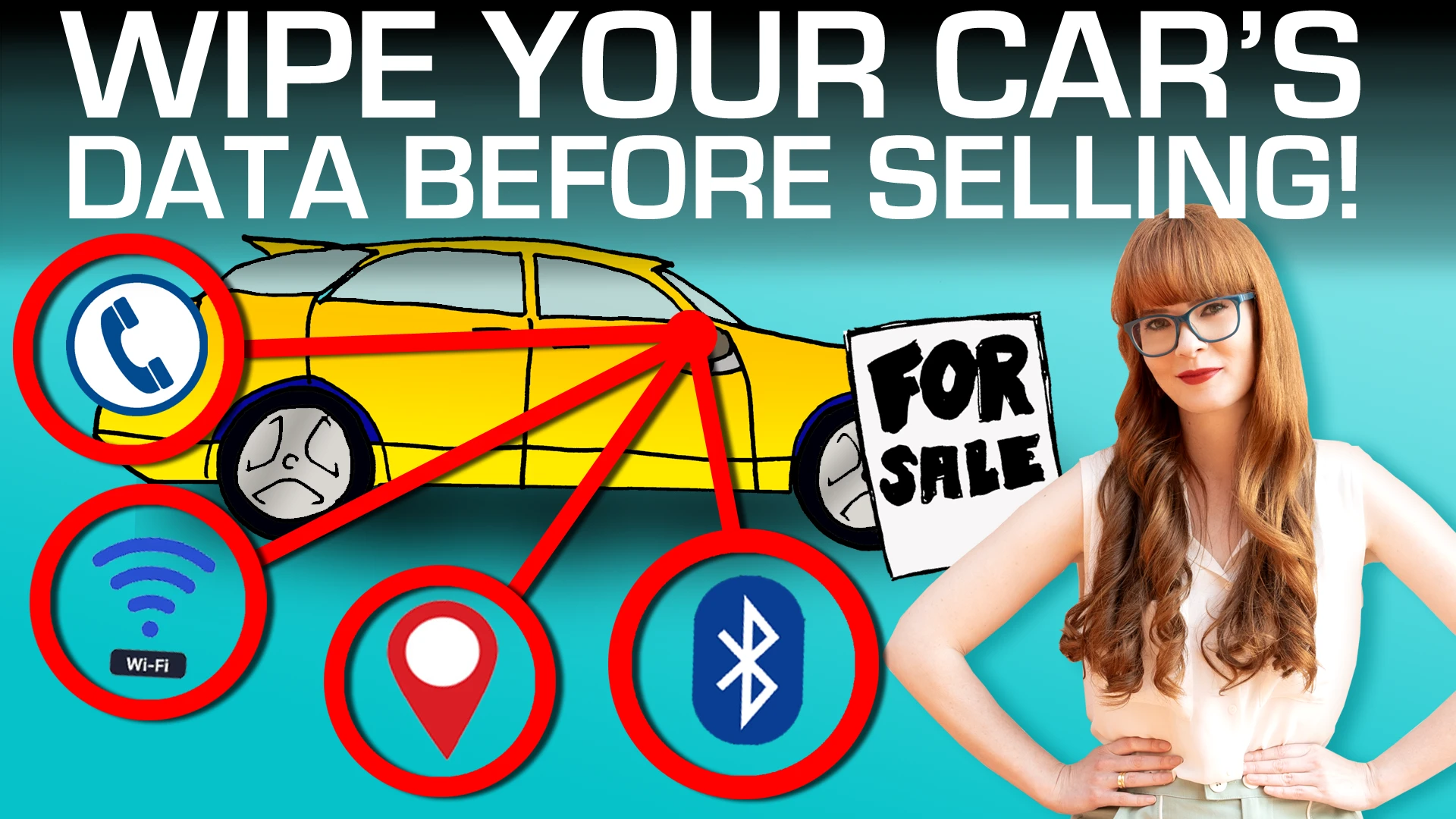
Do THIS Before Selling Your Car!
Cars are no longer dumb machines -- They're smart devices with hundreds of computers bolted on top that collect information about our activities. Some car companies have even explicitly said in their privacy policies that they collect information about your sexual activity!Given that so much information is stored in our car, what happens when we sell it? Do we just hand this sensitive information off to the next owner? And given the remote capabilities of modern cars, how do we make sure the previous owner can't still access our data when we buy a used car?Here are steps you MUST take when you buy or sell a used car.00:00 Cars Collect Info on Your Sex Life!02:25 Selling Your Car05:18 Renting a Car07:32 Deleting Data from the Head Unit09:11 Buying a Used Car11:59 Asserting Data Rights12:39 Recap13:51 ConclusionNow that we’re starting to get a glimpse of what’s going on under the hood of car data collection, we can start pushing back against it.Special Thanks to Andrea, Woody, and Sam for lending their expertise!Video 1 in this car privacy series:https://www.youtube.com/watch?v=eIryvRwxp9ABrought to you by NBTV team members: Lee Rennie, Cube Boy, Sam Ettaro, Will Sandoval and Naomi BrockwellTo support NBTV, visit https://www.nbtv.media/support(tax-deductible in the US)NBTV's new eBook out now!Beginner's Introduction To Privacy - https://amzn.to/3WDSfkuBeware of scammers, I will never give you a phone number or reach out to you with investment advice. I do not give investment advice.Visit the NBTV website:https://nbtv.mediaWatch this on YouTube (but why would you want to?!)https://youtu.be/Ff9pmaSdZV8

Turn THIS on if you use iCloud!
Thanks to powerful marketing, privacy is something we’ve come to immediately associate with Apple. But your iCloud is probably NOT as private as you think. Last year, Apple added E2EE for iCloud backups, with a tool called "Advanced Data Protection”. This setting means that your documents, photos, and other personal information in iCloud are kept private and out of the reach of even Apple itself. BUT, this setting is NOT turned on by default. Unless you have specifically turned on the setting, and set backup users or codes, everything in your iCloud can be read by Apple. And regardless of whether Advanced Data Protection is enabled, some things in the Apple ecosystem are never E2EE, and it's important to know what they are.In this video we explain exactly what is being protected with Advanced Data Protection, how to turn it on, its limitations, and other options that you might use for your backups instead.00:00 Your iCloud is NOT as Private as you Think01:49 Advanced Data Protection Explained02:37 Set Up04:34 Limitations05:48 Alternative Backup Options06:52 SummaryDon’t presume that your iPhone is more private than it actually is. If you use Apple's iCloud, absolutely make sure that you have Advanced Data Protection turned on. Brought to you by NBTV team members: Lee Rennie, Cube Boy, Sam Ettaro, Will Sandoval and Naomi BrockwellTo support NBTV, visit https://www.nbtv.media/support(tax-deductible in the US)NBTV's new eBook out now!Beginner's Introduction To Privacy - https://amzn.to/3WDSfkuShout out to All Things Secured - another great resource for digital privacy exploration!https://www.youtube.com/@AllThingsSecuredIf you want awesome iOS and MacOS security and privacy deep dives, I highly recommend following the Mysk research team:https://twitter.com/mysk_coBeware of scammers, I will never give you a phone number or reach out to you with investment advice. I do not give investment advice.Visit the NBTV website:https://nbtv.mediaWatch this video on YouTube (but why would you want to??)https://youtu.be/-1khYr697jM