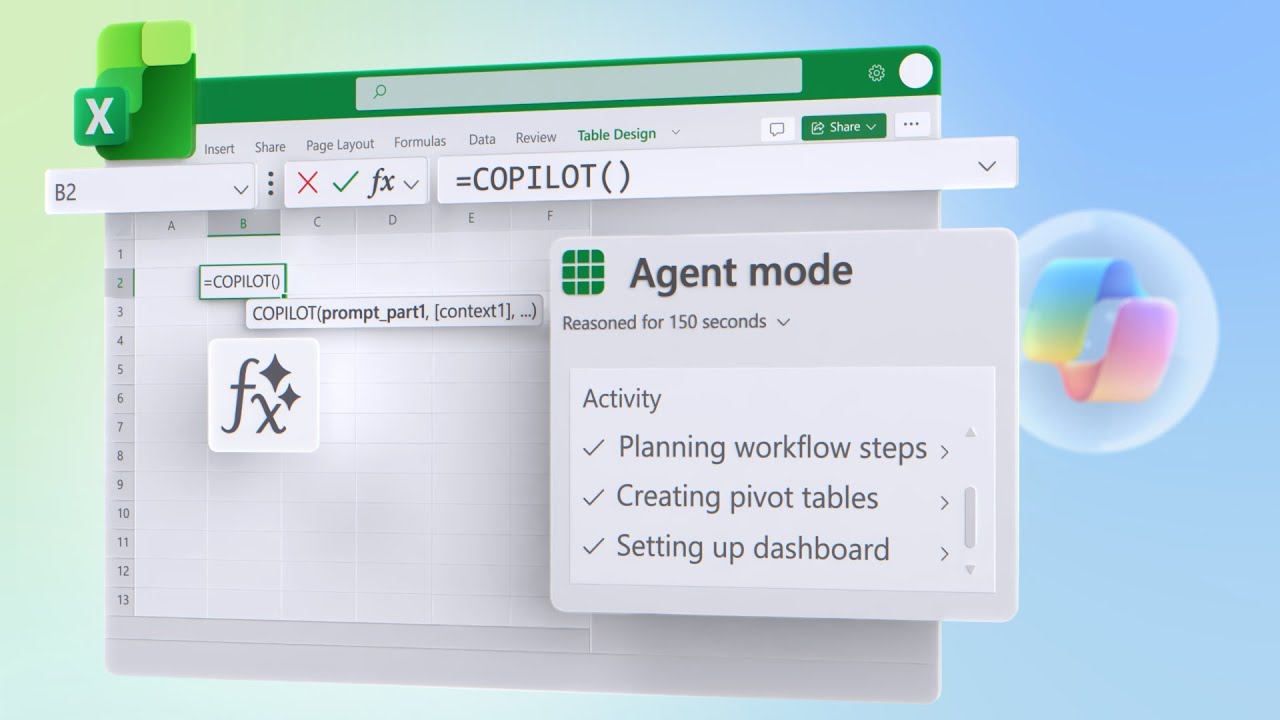
Microsoft Excel Power User Updates | Agent Mode, Copilot Function & Formula AI
Microsoft Mechanics Podcast · Jeremy Chapman
Audio is streamed directly from the publisher (traffic.libsyn.com) as published in their RSS feed. Play Podcasts does not host this file. Rights-holders can request removal through the copyright & takedown page.
Show Notes
Turn raw Excel data into actionable insights, visual dashboards, and KPIs in minutes. With Agent Mode, automate complex analysis, create pivot tables, and build interactive dashboards without manual setup. Streamline text analysis, formula generation, and complex calculations right inside Excel. Use the Copilot function to categorize feedback, score sentiment, or automate repetitive tasks, and leverage Formula AI to generate accurate formulas from plain language prompts.
Jeremy Chapman, Microsoft 365 Director, shares how to work smarter and make faster, data-driven decisions in Microsoft Excel.
► QUICK LINKS:
00:00 - Excel and Microsoft 365 Copilot updates
01:24 - Agent Mode
03:55 - Copilot function
06:02 - Formula completion
07:13 - Formula AI
08:41 - Wrap up
► Unfamiliar with Microsoft Mechanics?
As Microsoft's official video series for IT, you can watch and share valuable content and demos of current and upcoming tech from the people who build it at Microsoft.
• Subscribe to our YouTube: https://www.youtube.com/c/MicrosoftMechanicsSeries
• Talk with other IT Pros, join us on the Microsoft Tech Community: https://techcommunity.microsoft.com/t5/microsoft-mechanics-blog/bg-p/MicrosoftMechanicsBlog
• Watch or listen from anywhere, subscribe to our podcast: https://microsoftmechanics.libsyn.com/podcast
► Keep getting this insider knowledge, join us on social:
• Follow us on Twitter: https://twitter.com/MSFTMechanics
• Share knowledge on LinkedIn: https://www.linkedin.com/company/microsoft-mechanics/
• Enjoy us on Instagram: https://www.instagram.com/msftmechanics/
• Loosen up with us on TikTok: https://www.tiktok.com/@msftmechanics