
CP021: How to quickly compare 2 lists in Excel
Chandoo.org Podcast - Become Awesome in Data Analytics
Audio is streamed directly from the publisher (traffic.libsyn.com) as published in their RSS feed. Play Podcasts does not host this file. Rights-holders can request removal through the copyright & takedown page.
Show Notes
In the 21st session of Chandoo.org podcast, lets compare lists. Quickly
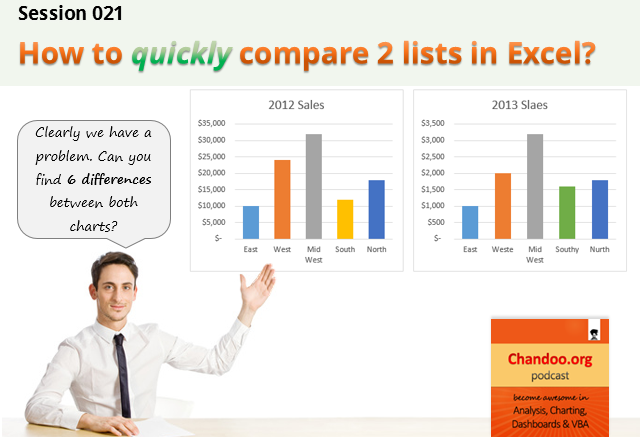
What is in this session?
Comparing things is a favorite pastime for analysts all over the world. Sadly, it is also an area where we waste hours. So in this episode, I share my top secret comparison techniques to save you time.
Note: This is a short format podcast. That means you spend less time listening to it, while becoming more awesome.
In this podcast, you will learn,
- Why I sound like I am on a secret mission at a mafia hideout.
- 5 ways to compare 2 lists
- Manual method
- Conditional Formatting
- Row Differences
- LOOKUP formulas
- COUNTIF formulas
- Bonus tip: Removing duplicates
- Conclusions
Listen to this session
Links & Resources mentioned in this session:
Please go thru below links for example workbooks on each type of comparison.
- Comparing 2 lists in Excel using conditional formatting
- Comparing 2 lists using row differences
- Comparing 2 lists using various formula techniques
- Special case: Comparing 2 lists with conditions
- Special case: Comparing 2 lists of first & last names
- Special case: Compare 2 files side by side
- Removing duplicates in Excel
Transcript of this session:
Download this podcast transcript [PDF].
How do you compare? Tell us quickly
So how do you compare? My favorite methods are conditional formatting & COUNTIFS formulas. What about you? Please share your tips using comments.
The post CP021: How to quickly compare 2 lists in Excel appeared first on Chandoo.org - Learn Excel, Power BI & Charting Online.