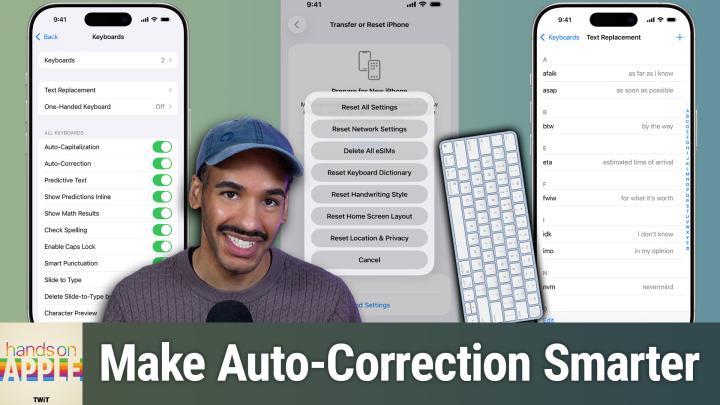
Hands-On Apple 225: Wrangling Auto-Correct
Keyboard Dictionary, Text Replacement, & More
All TWiT.tv Shows (Audio) · TWiT
Audio is streamed directly from the publisher (pdst.fm) as published in their RSS feed. Play Podcasts does not host this file. Rights-holders can request removal through the copyright & takedown page.
Show Notes
Tired of autocorrect sabotaging your texts? This episode shows how small changes like persistent rejection and custom text replacements can actually make Apple's keyboard work for you.
- Why auto-correct fails and how Apple devices handle corrections
- Auto-correct's evolution with iOS 17 and transformer language models
- How auto-correct learns and why personalized dictionaries matter
- Key steps to retrain auto-correct for smarter suggestions
- Resetting your keyboard dictionary: the nuclear option explained
- iOS and macOS keyboard settings: making auto-correct work for you
- Auto-correct's pain points: bilingual typing, jargon, and missing features
- Text replacement: the ultimate hack for tricky words and shortcuts
- Top text replacement use cases for emails, addresses, and custom phrases
- Practical tips to tame auto-correct and improve your typing flow
- Missing features Apple still hasn't addressed in auto-correct
Host: Mikah Sargent
Download or subscribe to Hands-On Apple at https://twit.tv/shows/hands-on-apple
Want access to the ad-free audio and video and exclusive features? Become a member of Club TWiT today! https://twit.tv/clubtwit
Club TWiT members can discuss this episode and leave feedback in the Club TWiT Discord.