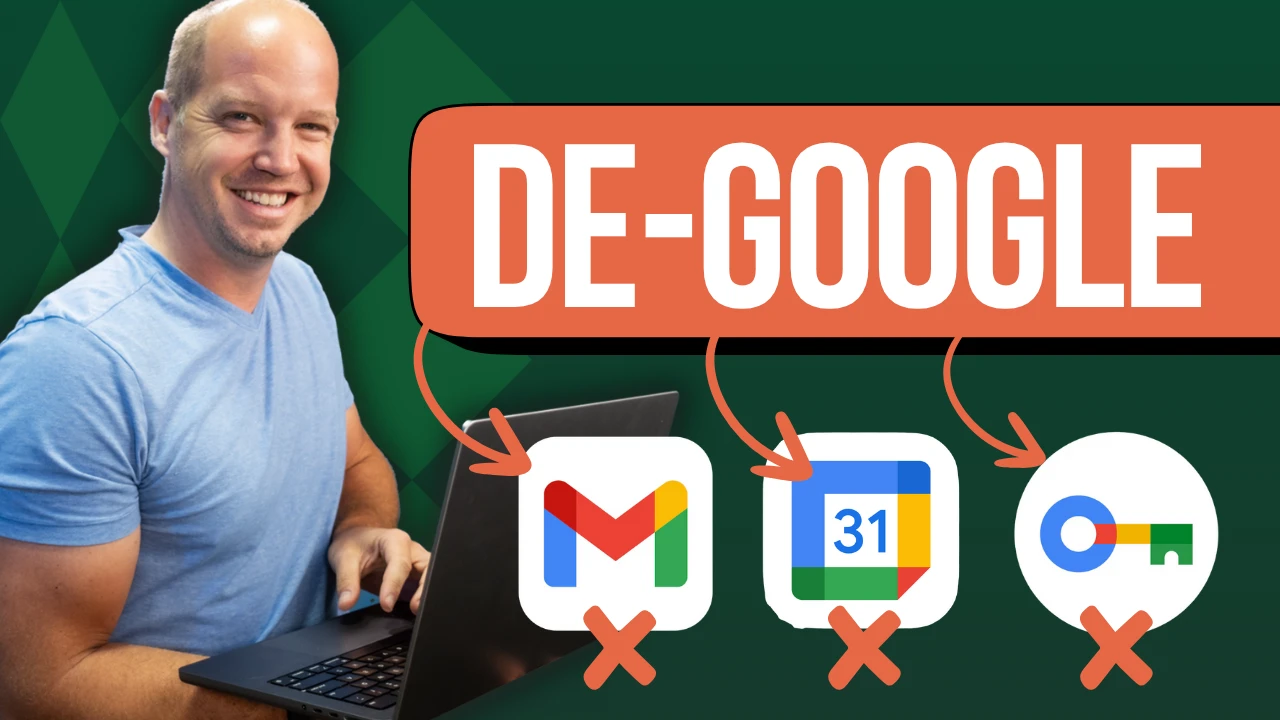
EASY way to de-Google your Email & Passwords (Tutorial)
All Things Secured | Online Privacy & Security on Odysee
August 9, 20256m 50s
Audio is streamed directly from the publisher (player.odycdn.com) as published in their RSS feed. Play Podcasts does not host this file. Rights-holders can request removal through the copyright & takedown page.
Show Notes
Want to improve your privacy & security online? Download this free security checklist:
✅ Security Checklist: https://www.allthingssecured.com/security-checklist-pdf/
🔹What to Watch Next🔹
We've got a lot of great privacy- and security-related content here on the All Things Secured YouTube channel (although we admit we're a bit biased). If you're wanting to increase your online cybersecurity, here's what's next:
✅ How Email Encryption REALLY works: https://www.youtube.com/watch?v=sCNSwVmeLaE
✅ Why I Switched to Proton Pass: https://www.youtube.com/watch?v=CBdDYurOMyg
✅ Simple Guide to Passkeys: https://www.youtube.com/watch?v=_tQbWop1P7o
🔹Support All Things Secured (Recommended)🔹
If you enjoy this kind of practical security and privacy content, one of the best ways you can help support this channel is by using these affiliate links to our favorite products and services. When purchasing through these links, you not only get the best available deal, the companies will also pay us a small commission. Thank you for your support!
✅ Recommended Password Manager: https://www.allthingssecured.com/yt/proton-pass
✅ Recommended Identity Monitoring: https://www.allthingssecured.com/try/identity-guard-yt
✅ Recommended 2FA Security Key: https://www.allthingssecured.com/yt/yubikey
✅ Recommended Secure Email: https://www.allthingssecured.com/try/protonmail-yt
✅ Recommended VPN: https://www.allthingssecured.com/try/nordvpn-yt
*********************
Video Timestamps
*********************
0:00 - Google owns your Online Life
0:45 - Exporting your Chrome Passwords
1:44 - Importing Passwords into Proton Pass
3:00 - How to Delete Google Chrome Passwords
3:30 - Migrate Email from Gmail to Proton Mail
4:18 - Step 1: Set up Email Forwarding
4:48 - Step 2: Import Email using Easy Switch
6:04 - Download the Proton Apps
*********************
If you've ever considered moving away from Gmail, Google Calendar or from storing all your sensitive passwords in Google Passwords, this step-by-step tutorial is going to help you understand how to switch to a more private alternative like @ProtonPrivacy in less than 10 minutes.
#gmail #secureemail #emailprivacy